
The registration card
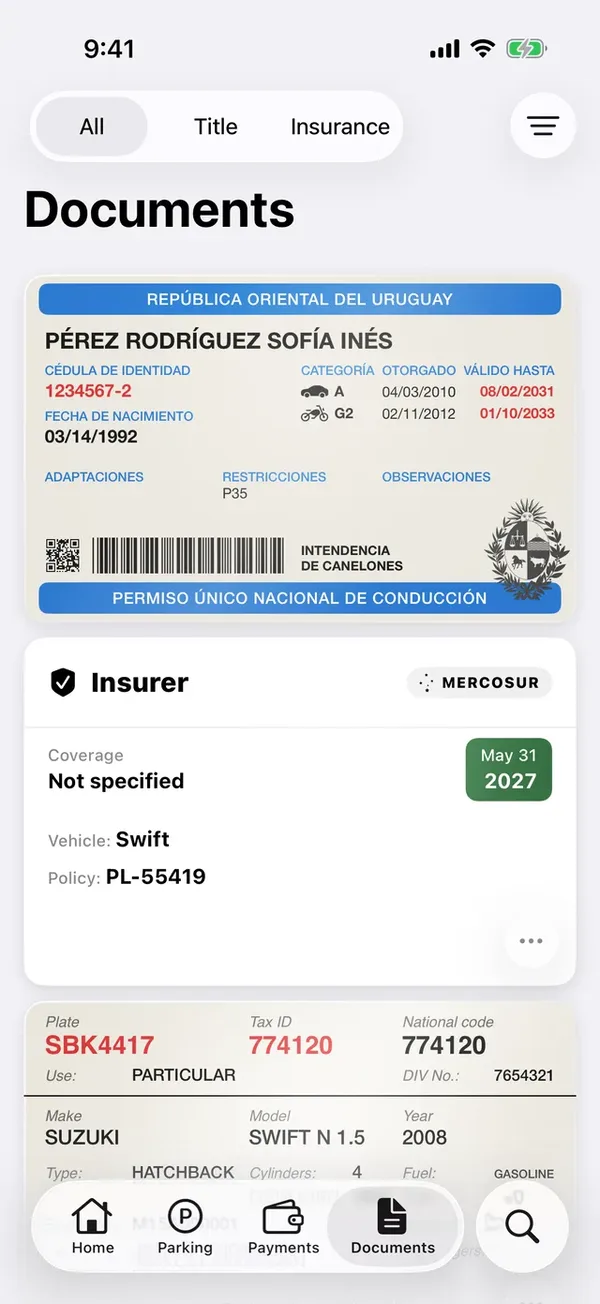
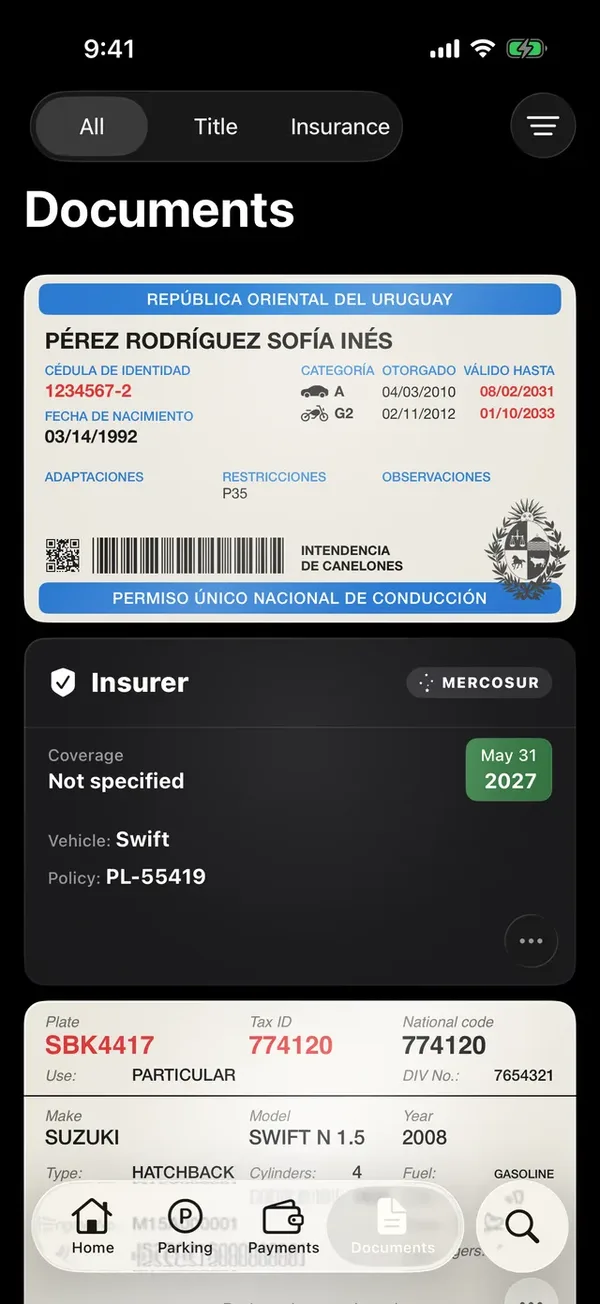
Your registration card (libreta de propiedad) is in the app just like the real one, with every value at hand.
Each vehicle’s registration card is saved when you add it by scanning it. See Add a vehicle.
- On the vehicle’s page, tap any value on the card to copy it.
- The Documents tab has all your cards and policies. At the top you can filter by All, Title or Insurance, and sort with Filter & sort.
- Tap a card to see the scanned image.
Update the card’s photo
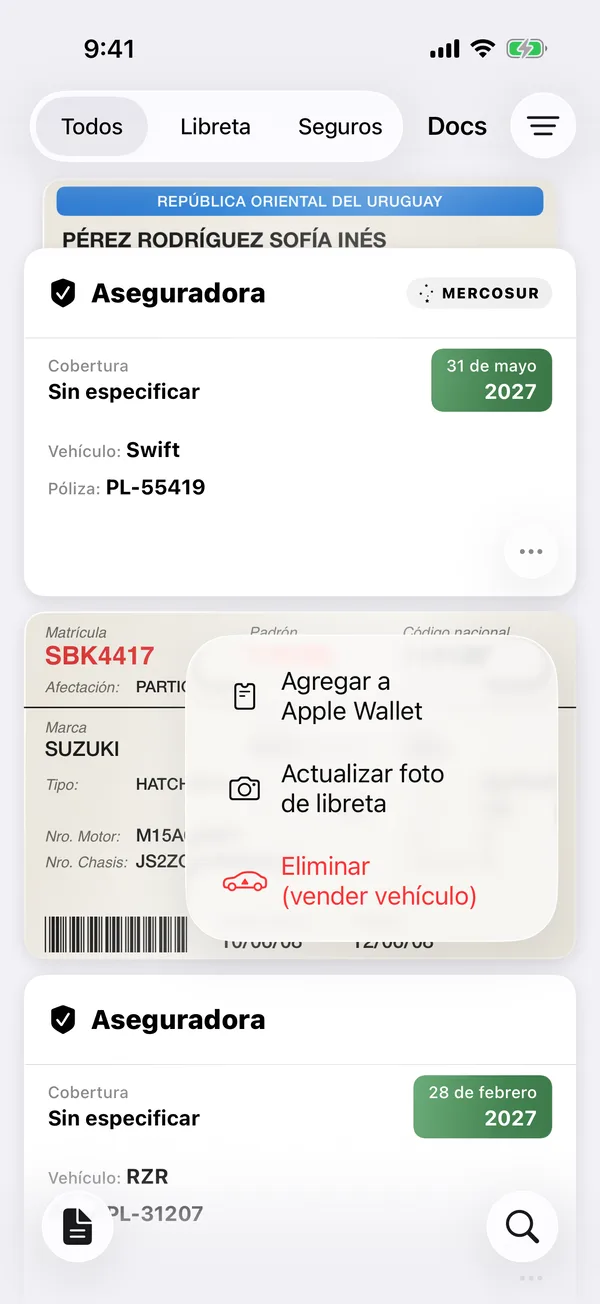
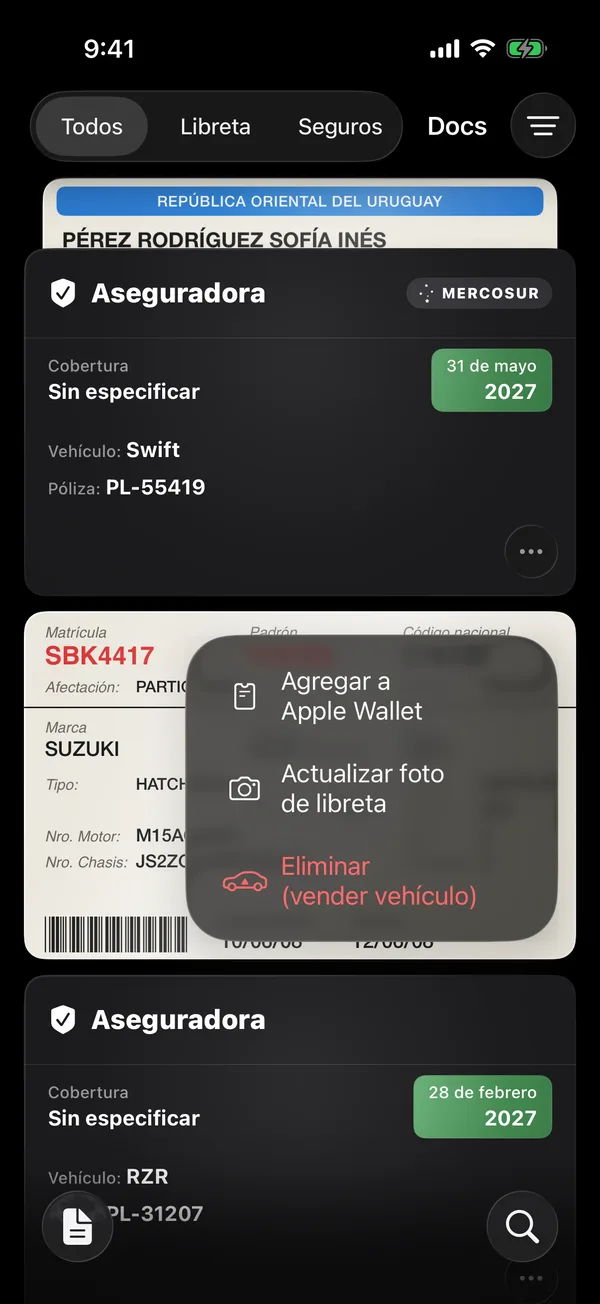
- On Documents, tap ⋯ on the card (or press and hold it).
- Tap Update registration photo and scan it again.
While you’re viewing a document, screenshots and recordings show it blank.
More in Documents
Didn’t find what you were looking for? Write to [email protected] and we’ll get back to you.