
Vehicle registration, driver’s license and insurance, on your iPhone.
Scan each document, carry it in Apple Wallet and get a reminder before it expires.
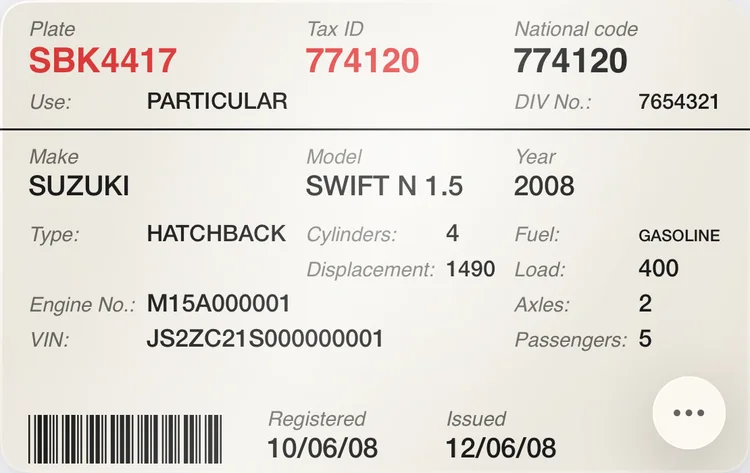
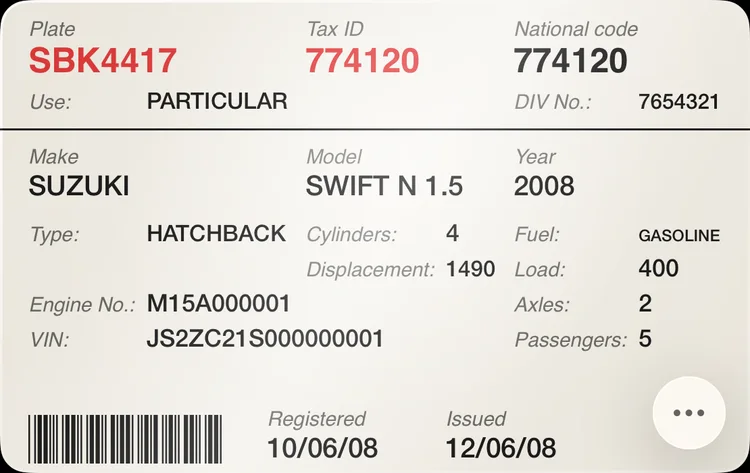
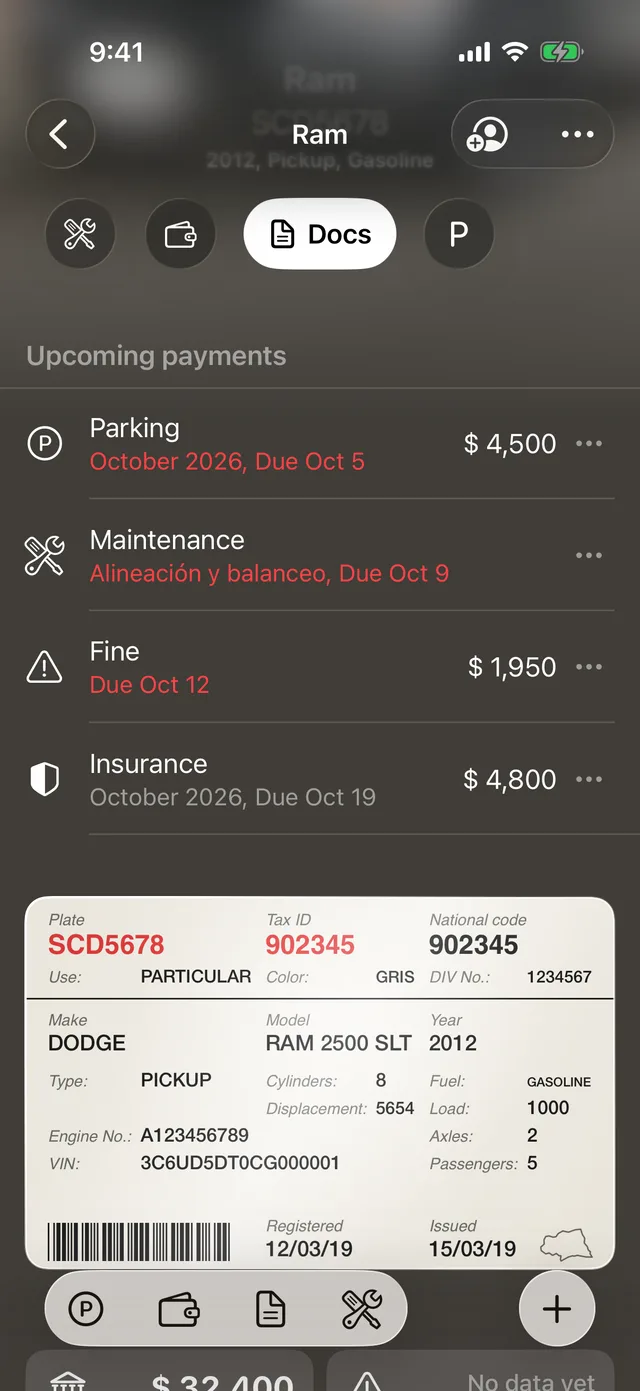
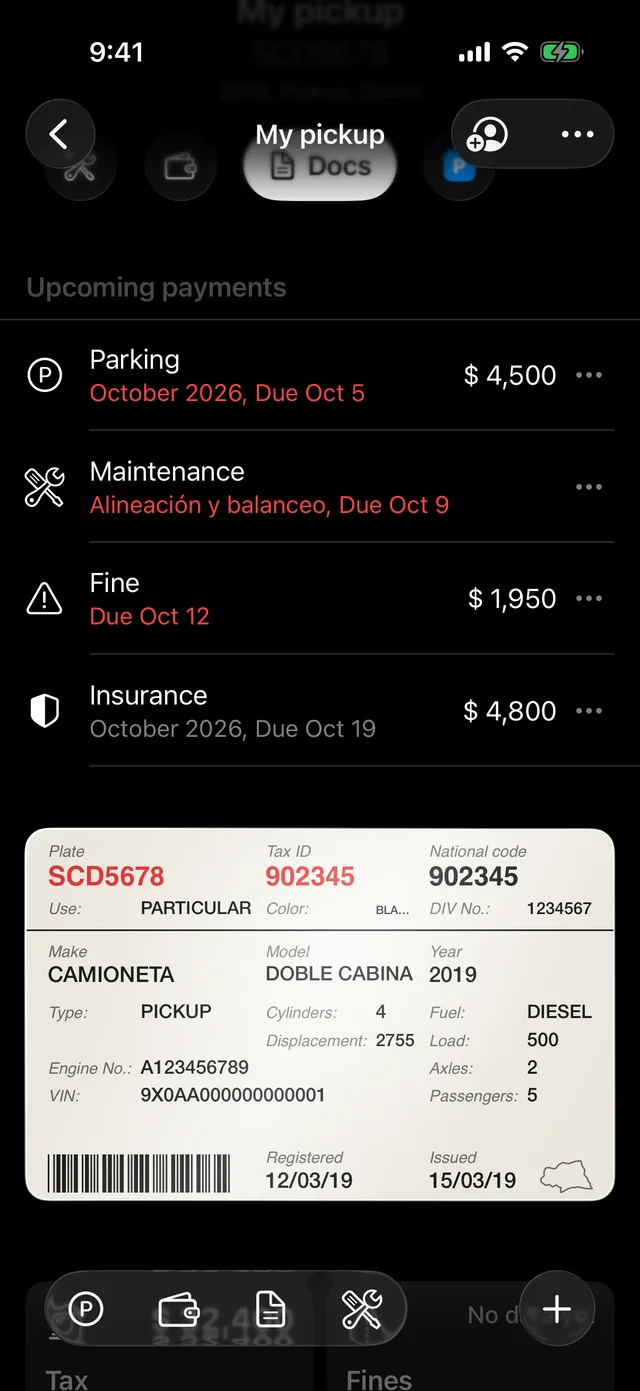
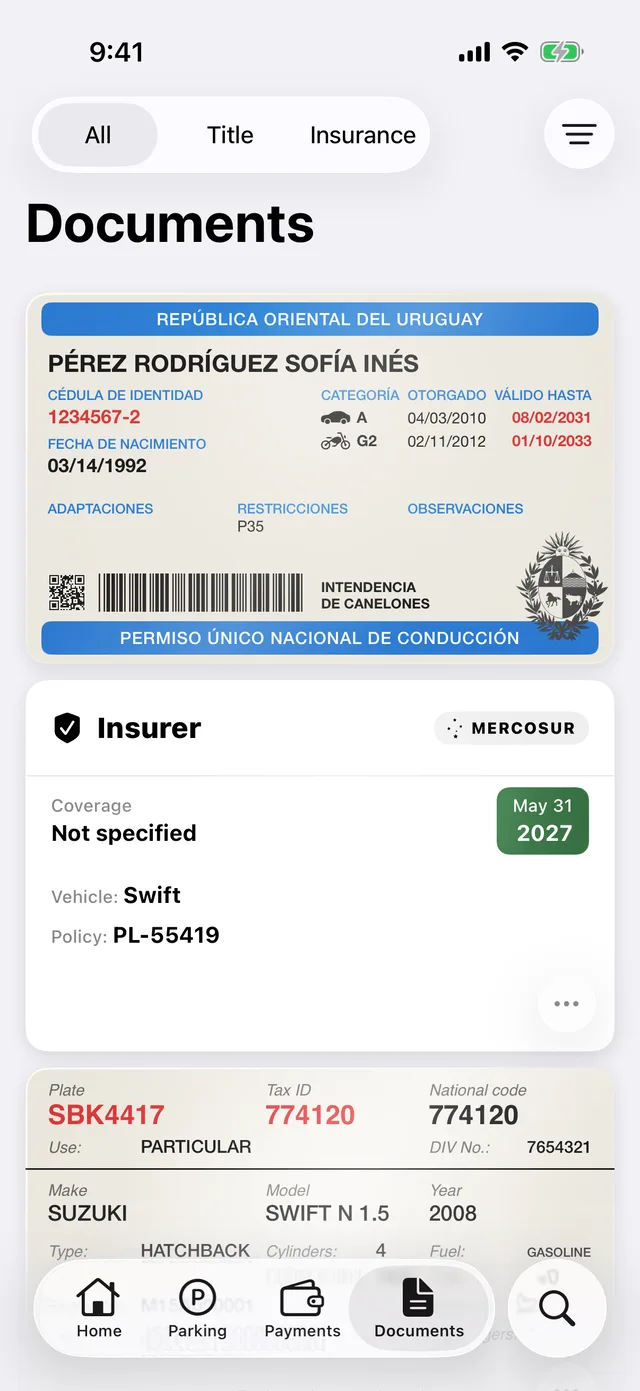
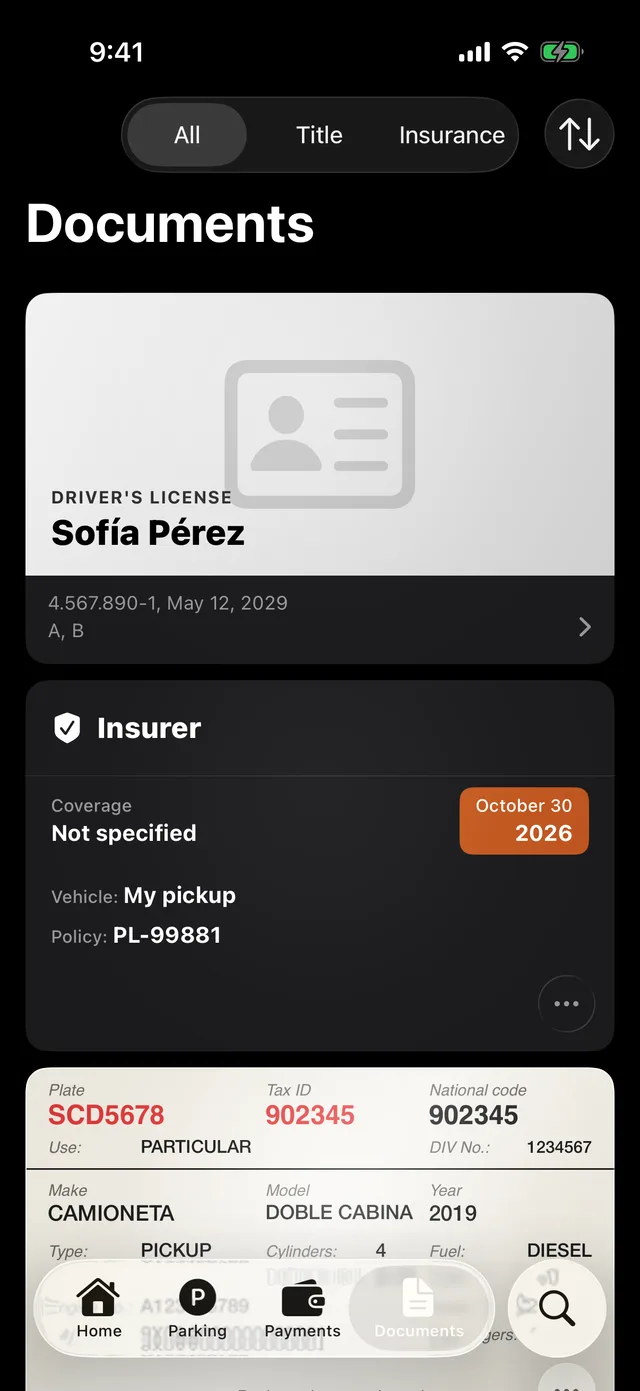
Add a vehicle by scanning its registration.
The camera reads the plate, the registration number and the vehicle’s details on your iPhone. You review every field before saving, and the card looks like the original, ready for Apple Wallet.
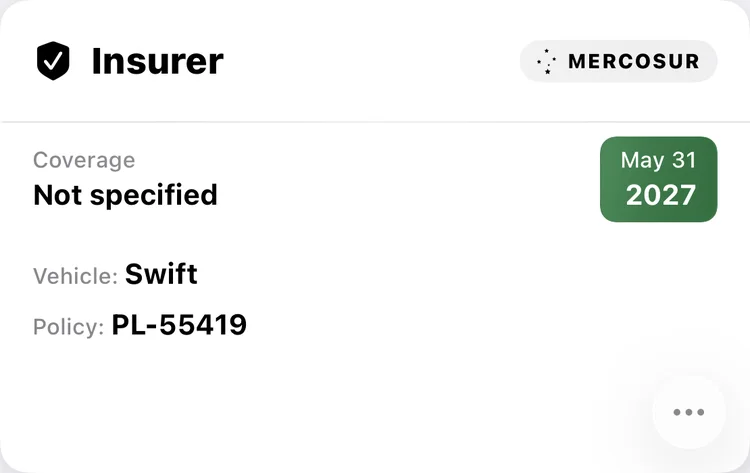
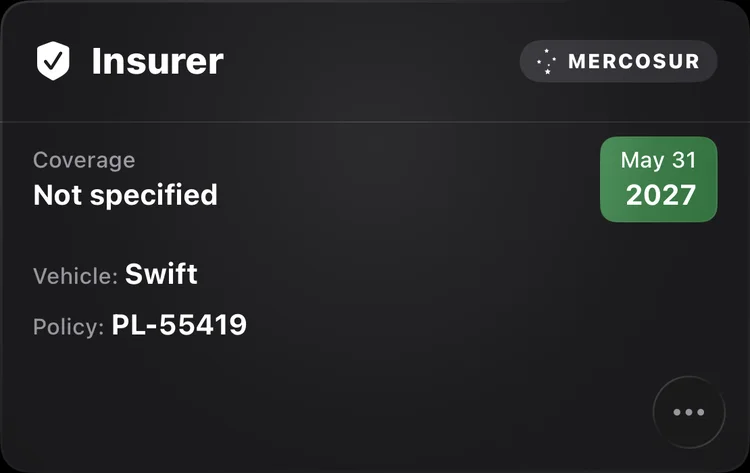
We keep your policy’s original PDF.
We keep your policy’s PDF just as your insurer sent it, with its validity and coverage in sight. We remind you before it expires, and the card tells you when it includes the Mercosur certificate.
Call your insurer from the policy.
Whenever you need assistance, call your insurer right from the policy, without looking up the number.
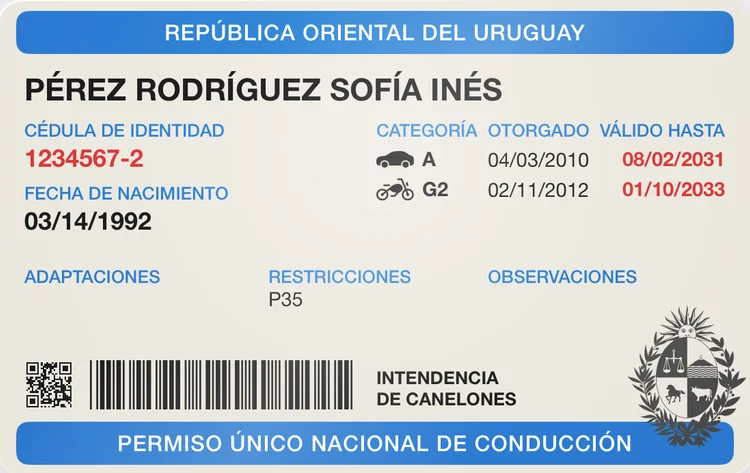
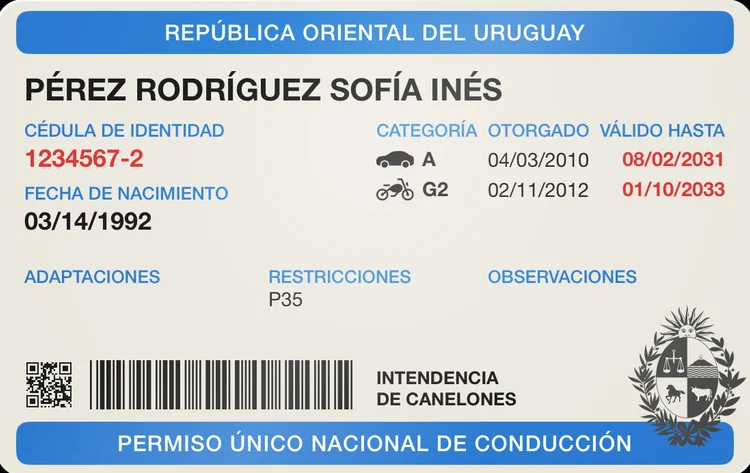
Your driver’s license, with each category’s expiry.
Scan the front and the back: each category keeps its expiry, and the QR shows large and at full brightness when you’re asked for it. We remind you 3 months before it expires.
The photos of your registration and license are end-to-end encrypted: not even we can see them.
The photos of your vehicle registration and your driver’s license are encrypted on your iPhone before they’re uploaded. Lock the app with Face ID, and screenshots of your documents come out blank.
GarageApp for iPhone.
Add your first vehicle by scanning its registration.
Free for up to 2 vehicles.