
Add your driver’s license to Apple Wallet
Your name, ID number, categories with their dates and the back’s QR, in Wallet.
- Open your driver’s license: tap it on Documents.
- Scroll down and tap the Add to Apple Wallet button.
- On Apple’s sheet, tap Add.
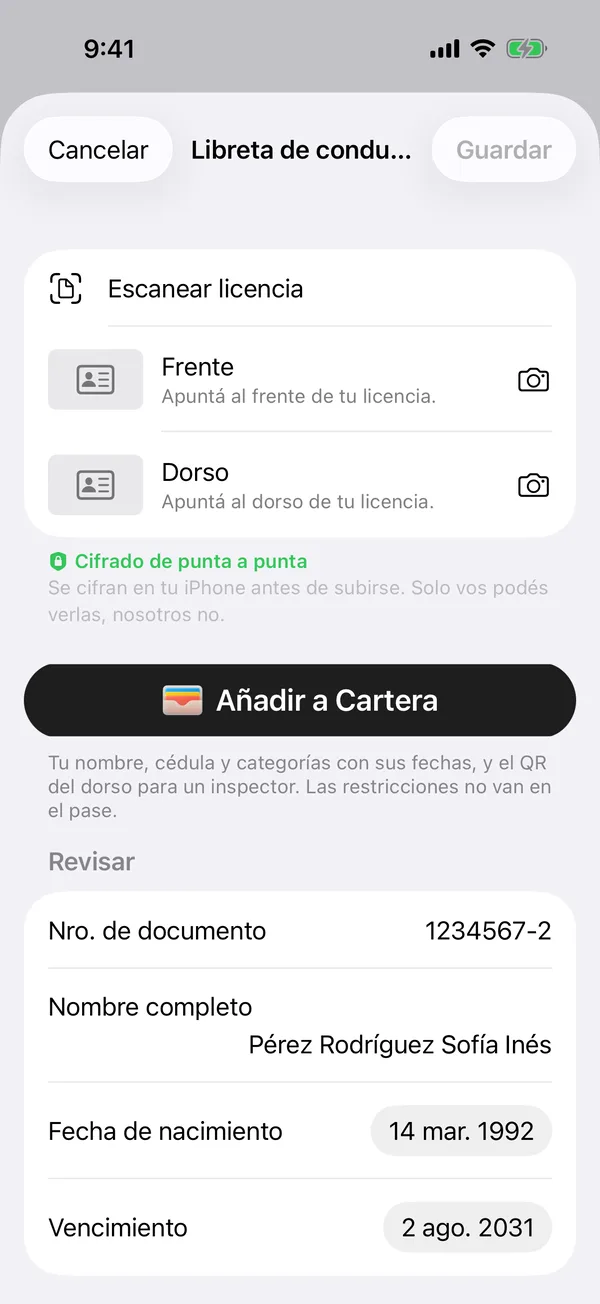
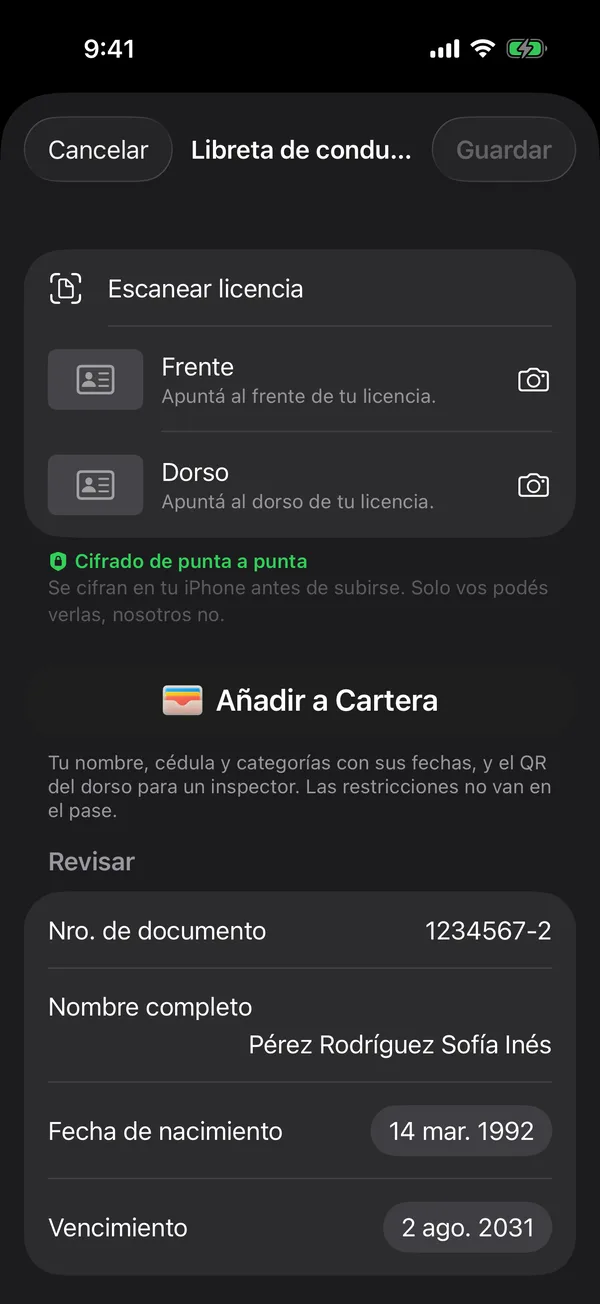
You can also press and hold the card on Documents and tap Add to Apple Wallet.
The pass holds your name, your ID number, the categories with their dates and the back’s QR for an inspector. The restrictions stay out of the pass.
Once added, the button says View in Wallet.
More in Documents
Didn’t find what you were looking for? Write to [email protected] and we’ll get back to you.