
Add your insurance policy
Scan the policy or enter it by hand. We remind you before it expires and its installments go to your payments.
- Open the vehicle, tap + in the bottom bar, then Policy. You can also tap the Insurance tile when it says Add.
- Choose how to add it: Scan with camera, Upload file, Upload from photo library or Enter details manually.
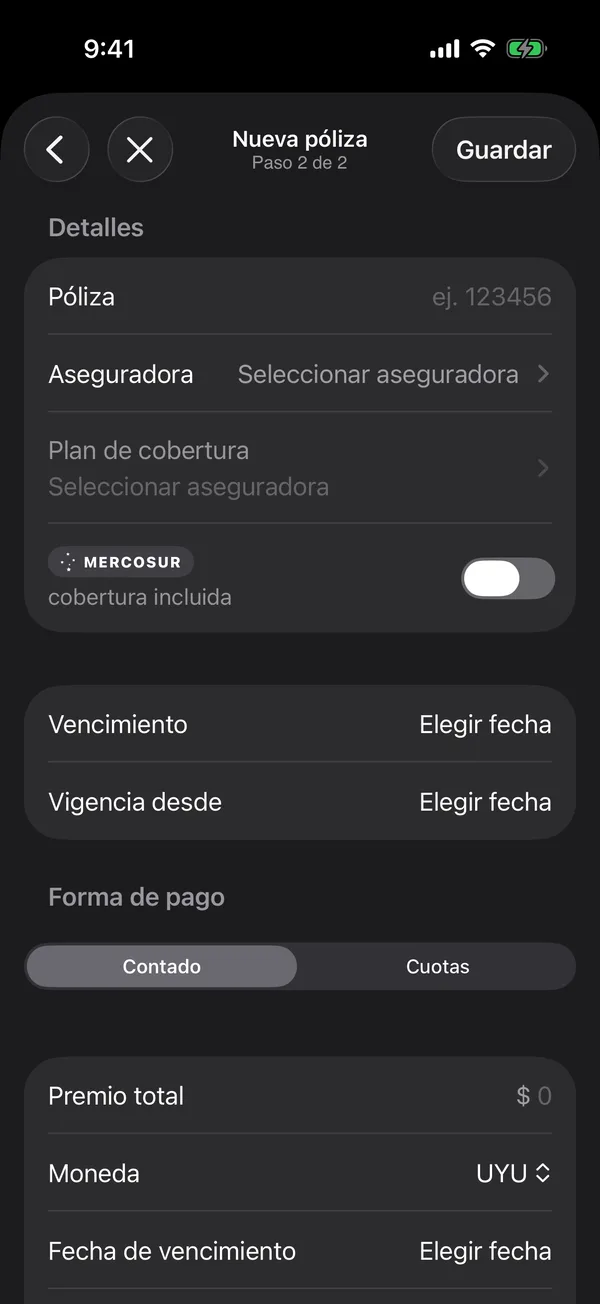
- On New Policy, check what was read: Policy #, Insurer, Coverage plan, Expiry date and Valid from.
- If the policy includes Mercosur, turn on MERCOSUR coverage included.
- Under Payment, choose Single or Installments and fill in the Total premium. If it’s charged automatically, turn on Automatic debit.
- Tap Save.
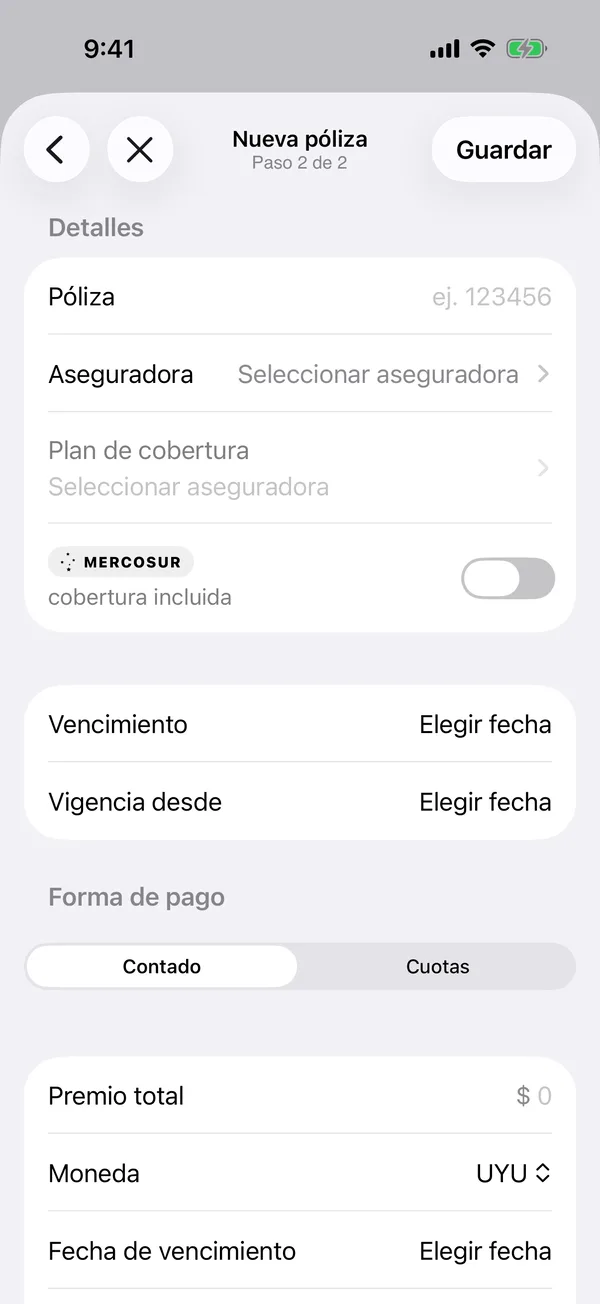
The policy shows in Documents and the Insurance tile shows what you pay per year. Each installment shows under Pending in Payments.
Update, call or delete
- On Documents, tap ⋯ on the policy to Update policy or Delete policy.
- On the vehicle, tap the Insurance tile to Edit or Call the insurer.
We remind you before it expires. That alert is turned on with Insurance policy expiry in notifications.
More in Documents
Didn’t find what you were looking for? Write to [email protected] and we’ll get back to you.