
Add the registration card to Apple Wallet
Show your vehicle’s registration card from Wallet, without opening the app.
- Open the vehicle and tap More (⋯) at the top right.
- Tap Add to Apple Wallet.
- On Apple’s sheet, tap Add.
It’s also on the Documents tab: tap ⋯ on the card, then Add to Apple Wallet.
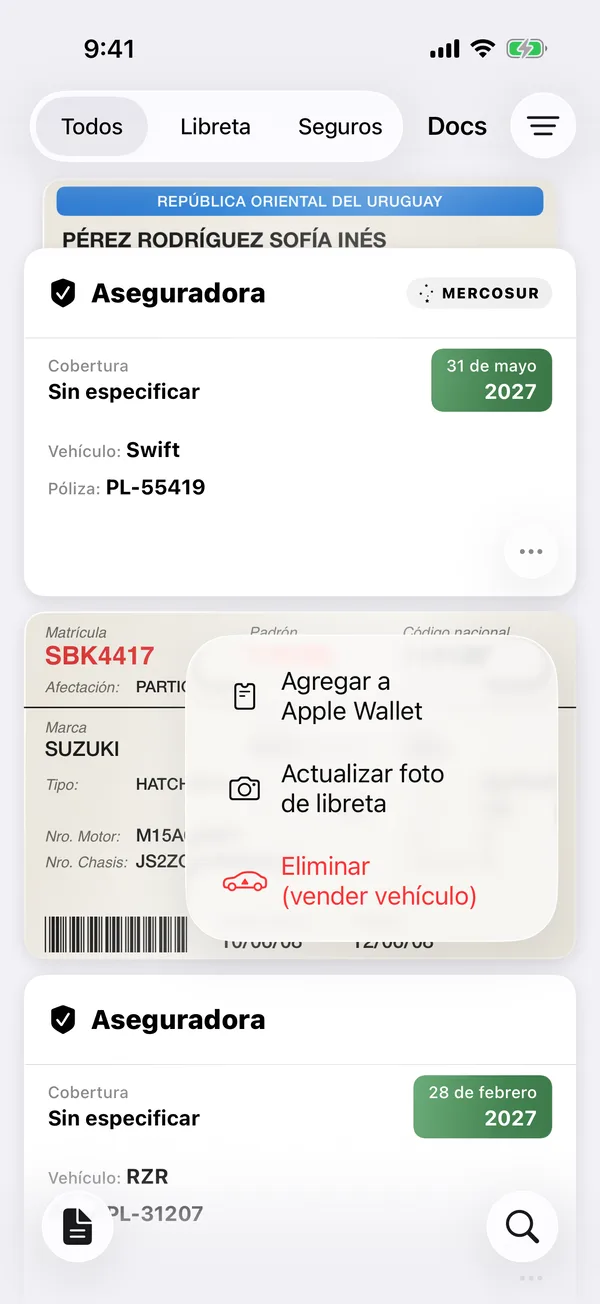
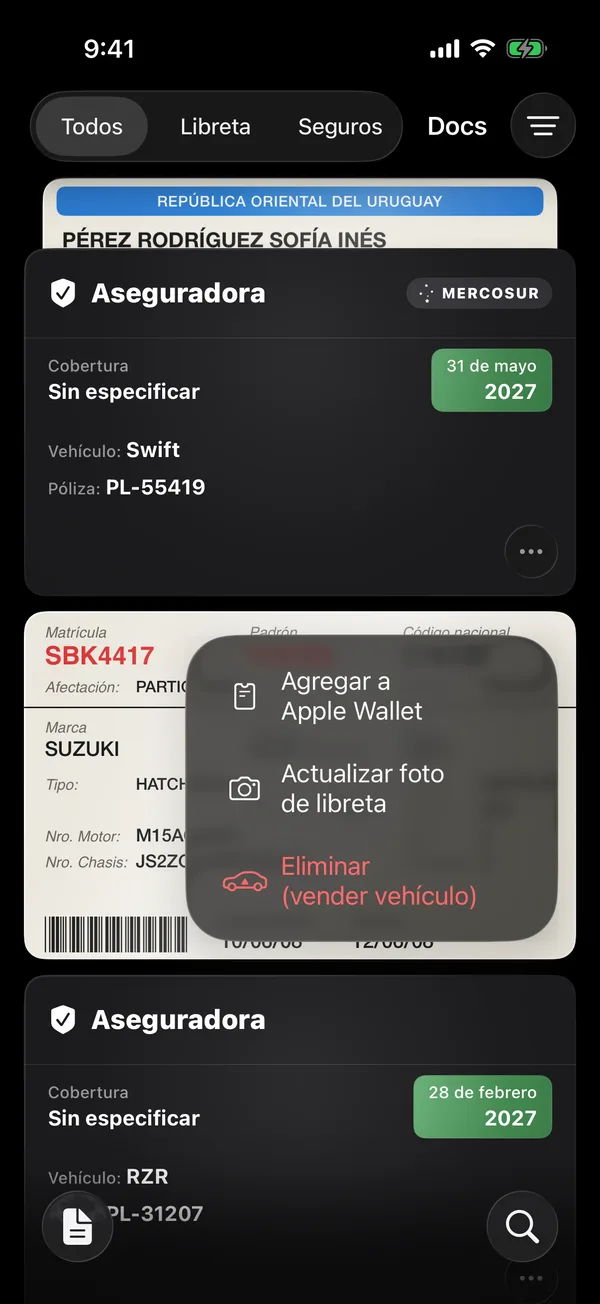
Once added, the option says View in Wallet and opens the card in Wallet.
If the app says Couldn’t create the pass, check your connection and try again.
More in Documents
Didn’t find what you were looking for? Write to [email protected] and we’ll get back to you.