
Choose which notifications you get
Turn each kind of alert on or off: parking, due dates, insurance, license, service, prices, payments and fines.
- On Home, tap your account button.
- Tap Notifications.
- Turn on Enable all notifications, or only the ones you want:
- Parking alerts: when parking is about to expire, and when it has.
- Due dates: payments coming due.
- Insurance policy expiry.
- Driver’s license expiry.
- Vehicle maintenance: scheduled services and the yearly service.
- Wishlist prices.
- Payments added by others: when someone you share a vehicle with records a payment.
- New fines.
- System notifications: for example, the result of transfers and claims.
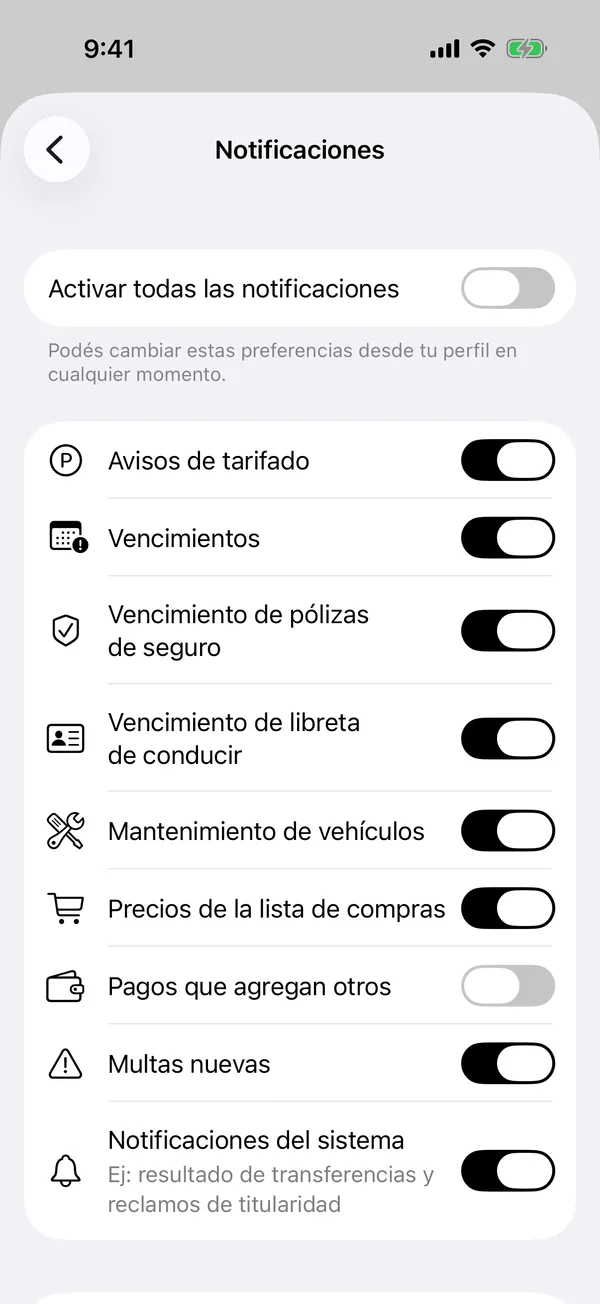
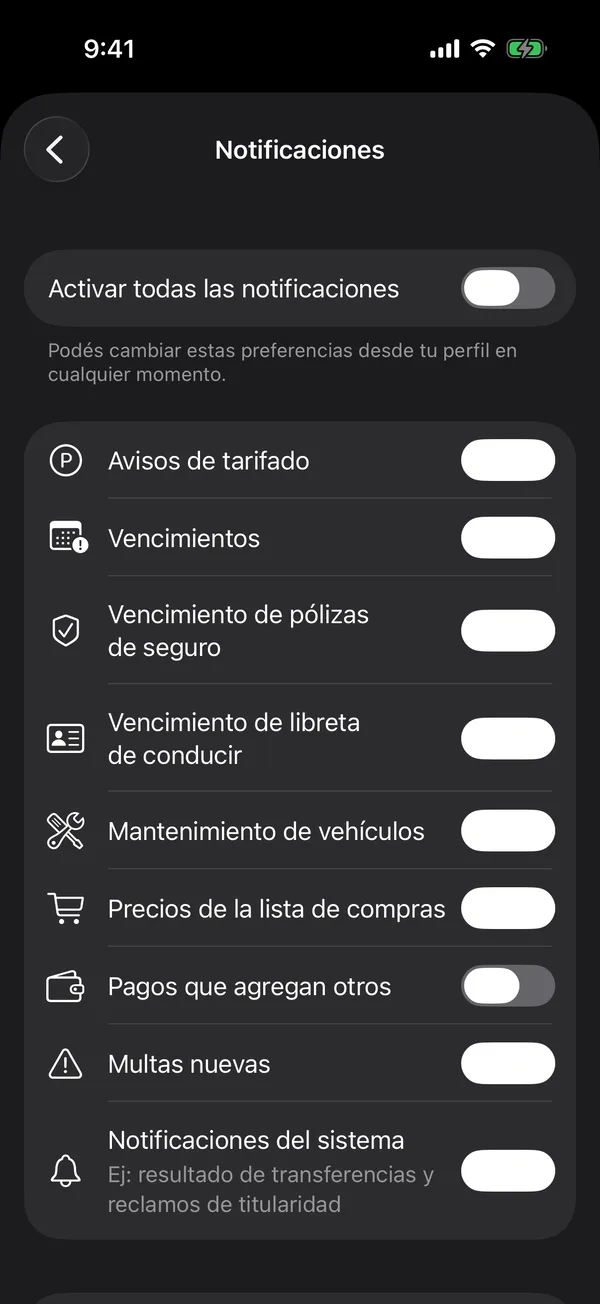
Each change is saved at once.
If they don’t arrive
- If Allow notifications appears, tap it and accept the iPhone’s permission.
- If it says Notifications blocked, tap Open Settings and turn on notifications for GarageApp.
- Tap Send a test notification to check that they arrive.
More in Notifications
Didn’t find what you were looking for? Write to [email protected] and we’ll get back to you.