
Pause notifications at night
Automatic reminders wait until morning. What other people do reaches you at once.
- On Home, tap your account button, then Notifications.
- Turn on Pause at night. It comes on by default.
- Set the window with From and To.
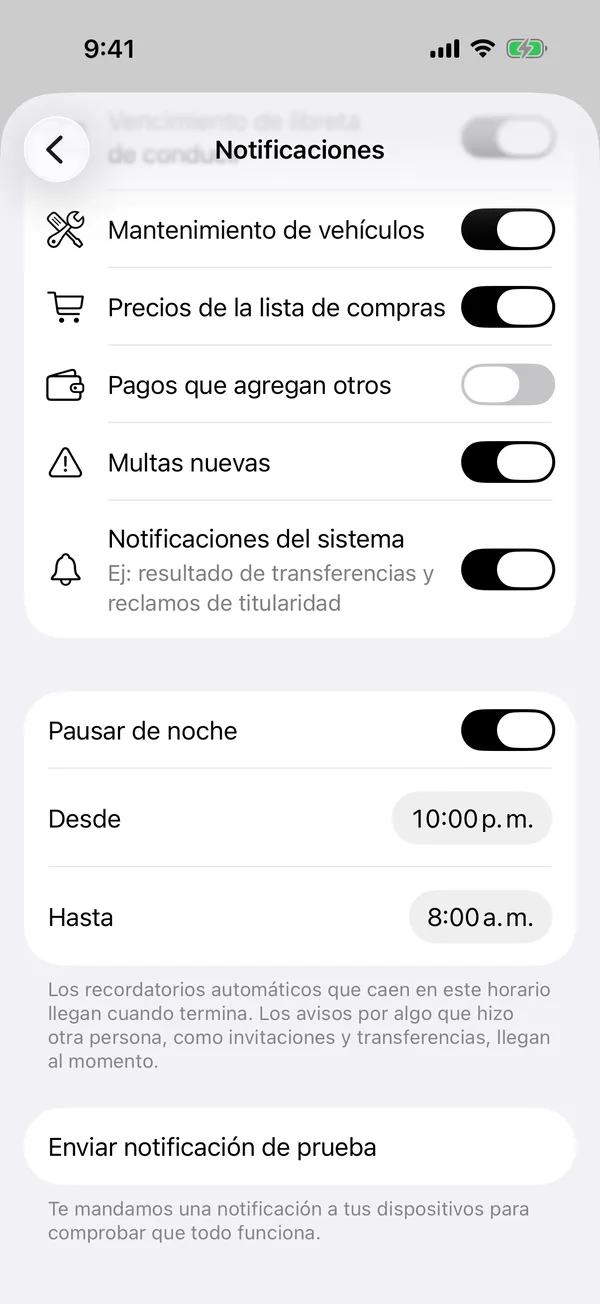
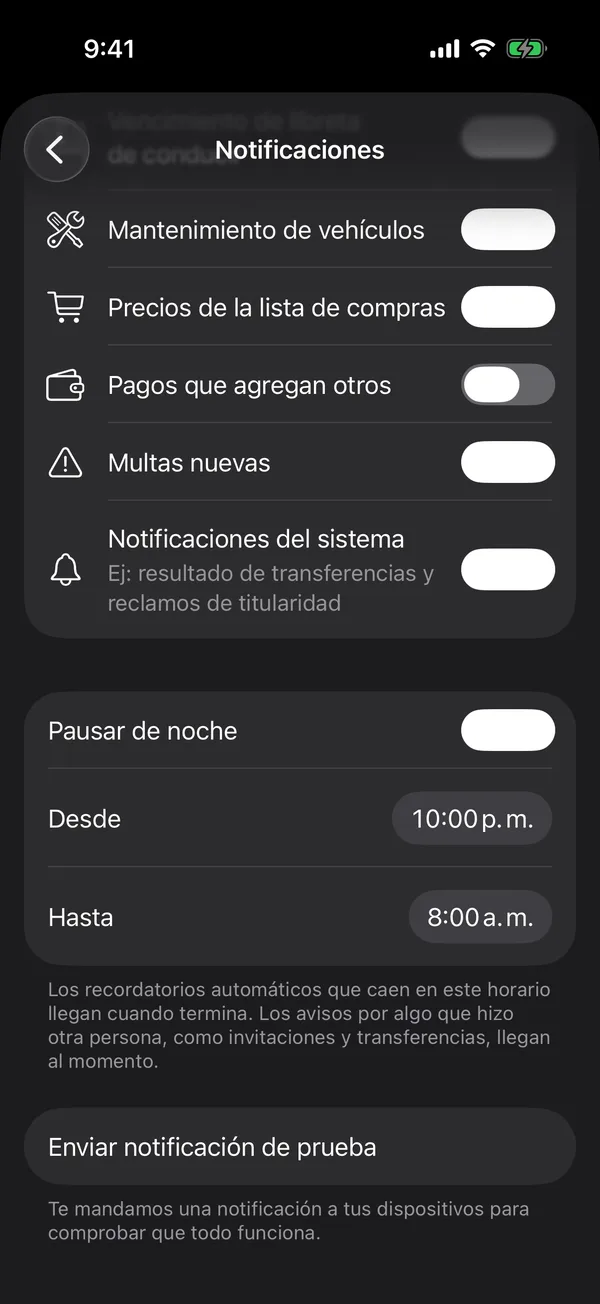
As the app says: Automatic reminders that fall in this window arrive when it ends. Notices from someone’s action, like invitations and transfers, arrive at once.
The window follows your iPhone’s time.
More in Notifications
Didn’t find what you were looking for? Write to [email protected] and we’ll get back to you.