
Schedule the next service and mark it done
Schedule it by date or by mileage and we remind you before.
Schedule by date
- On Service, tap + (Schedule service).
- Type the Service and pick a future Date.
- Under Notify, choose when you want the reminder: Same day, 1 day before, 3 days before, 7 days before, 14 days before or 30 days before.
- Tap Save.
Mark as done
- Tap the pending service. Mark as done opens.
- Check the Date and fill in the Odometer at service.
- If you like, log the Cost and Paid on. The cost is recorded as a Maintenance payment.
- Under Next at, type the mileage for the next one.
- Tap the confirm button.
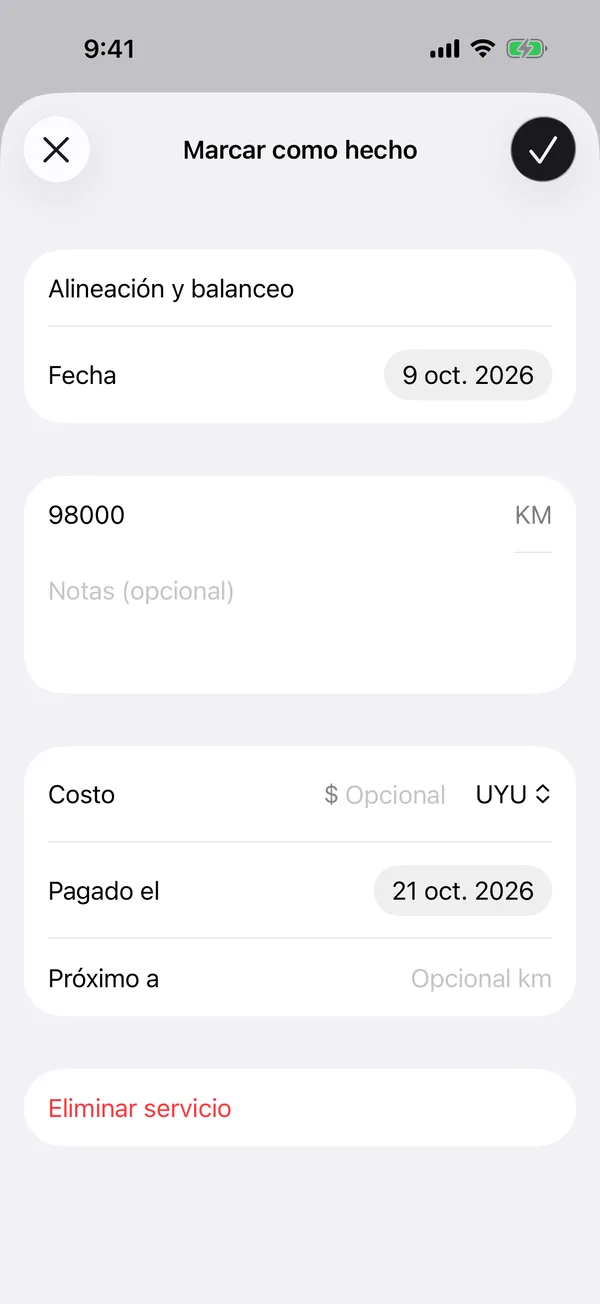
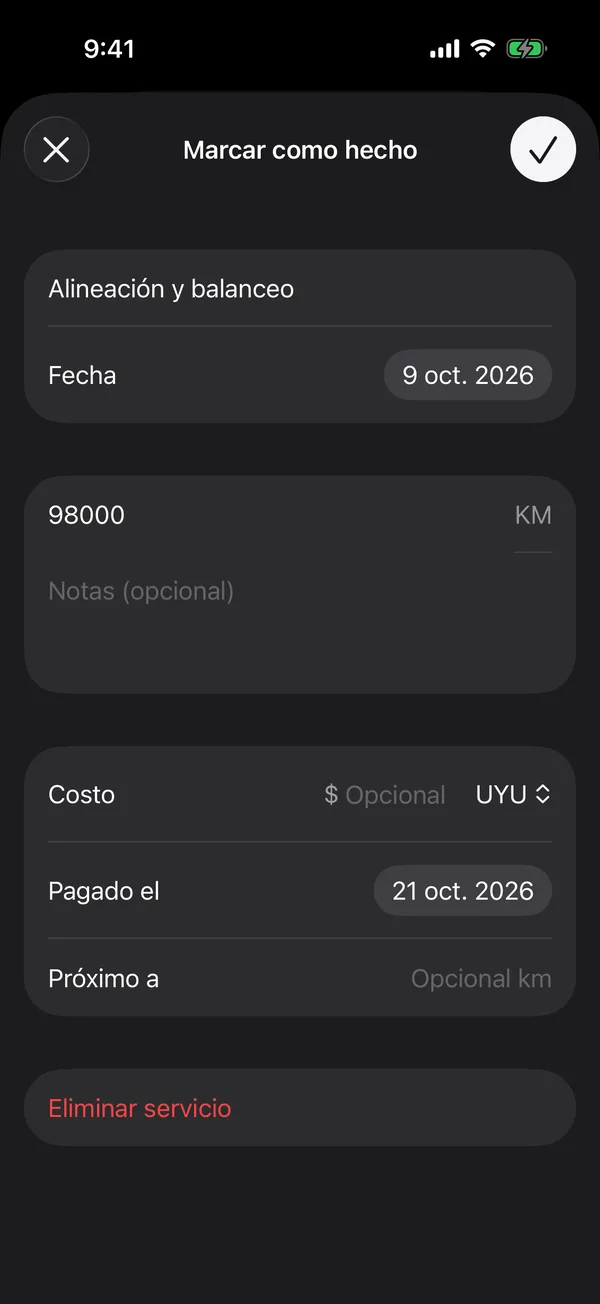
The service moves to Past, and Next service with the mileage shows at the top of the list.
If a year goes by since the last service and none is scheduled, we remind you too. These reminders are turned on with Vehicle maintenance in notifications.
More in Service and wishlist
Didn’t find what you were looking for? Write to [email protected] and we’ll get back to you.