
Add products from a store
Browse Mercado Libre, eBay, Amazon or AliExpress inside the app and add what you’re looking at with one tap.
- On the Wishlist, tap +, then Find in stores.
- Pick a store or type in Search or enter address.
- Browse to the product.
- Tap Add at the top right.
- Check the details that were filled in and tap Add item.
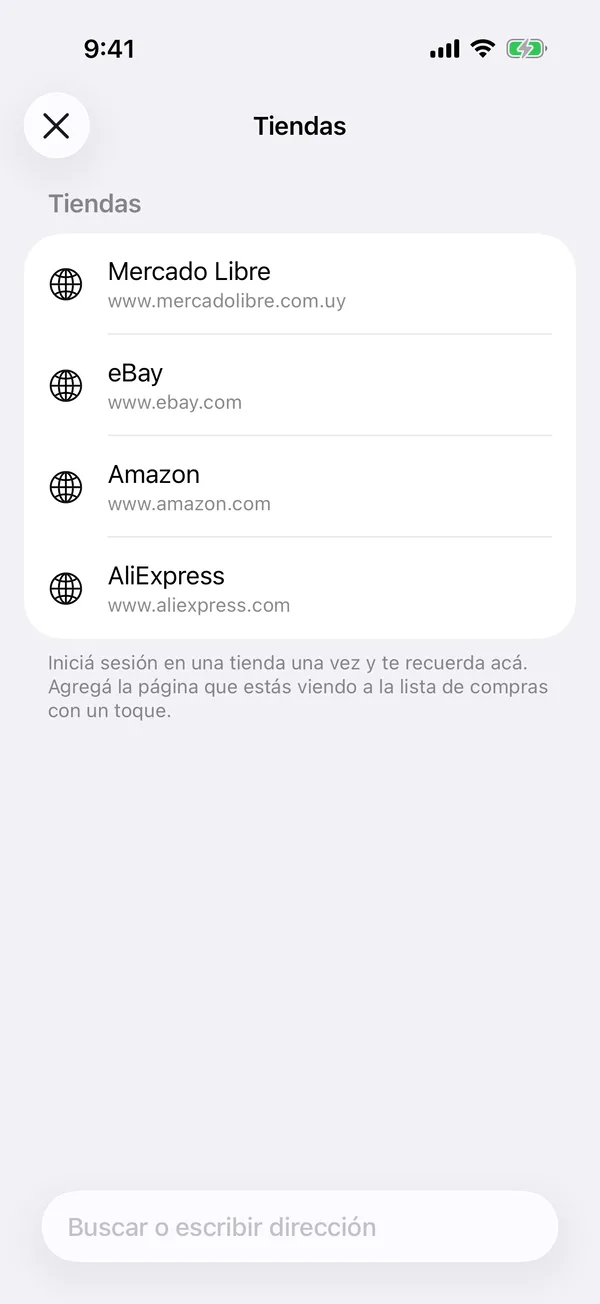
Sign in to a store once and it remembers you there.
More in Service and wishlist
Didn’t find what you were looking for? Write to [email protected] and we’ll get back to you.