
Use the wishlist
Note the parts and accessories you want to buy, with their link, picture and price.
- Open the vehicle, tap Service and choose Wishlist at the top.
- Tap +, then New item.
- Paste the product’s link in URL: the app fills in the title, the picture and the price when the page shares them.
- Check the Title, the Price and the currency, and add Notes if you like.
- Tap Add item.
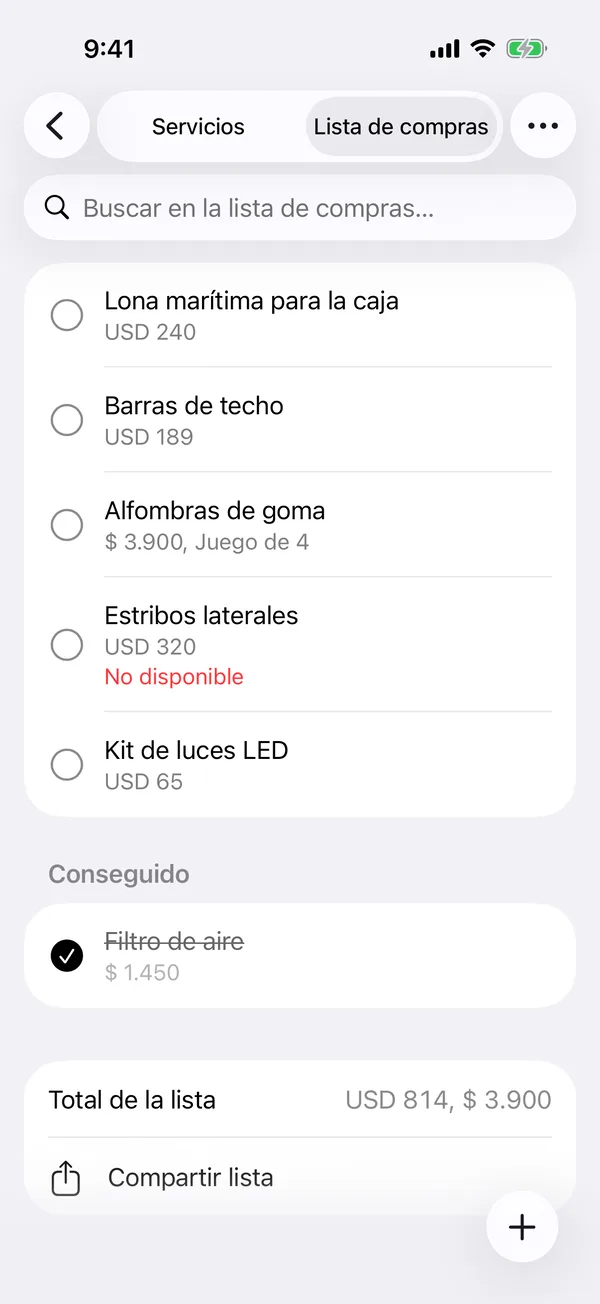
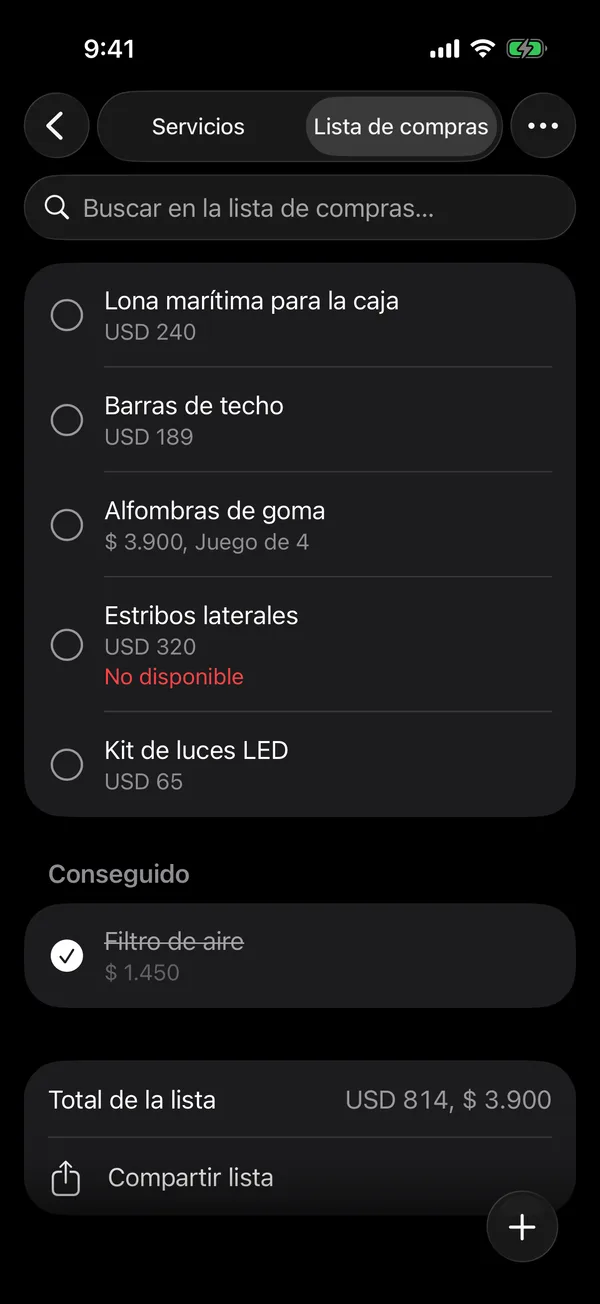
At the bottom is the List total of what’s left to buy.
When you buy it
Tap the item’s circle. It moves to Got it and, if it has a price, it’s recorded as a Maintenance payment. Tap the circle again to undo it.
To change the order, tap More (⋯), then Reorder.
The wishlist is on some plans. Everyone with access to the vehicle sees it; the owner and admins edit it.
More in Service and wishlist
Didn’t find what you were looking for? Write to [email protected] and we’ll get back to you.