
Share the wishlist
Send a link so anyone can see the list in their browser, without the app or an account.
- On the Wishlist, scroll to the end.
- Tap Share list.
- Choose how to send it: Messages, WhatsApp, email or copy the link.
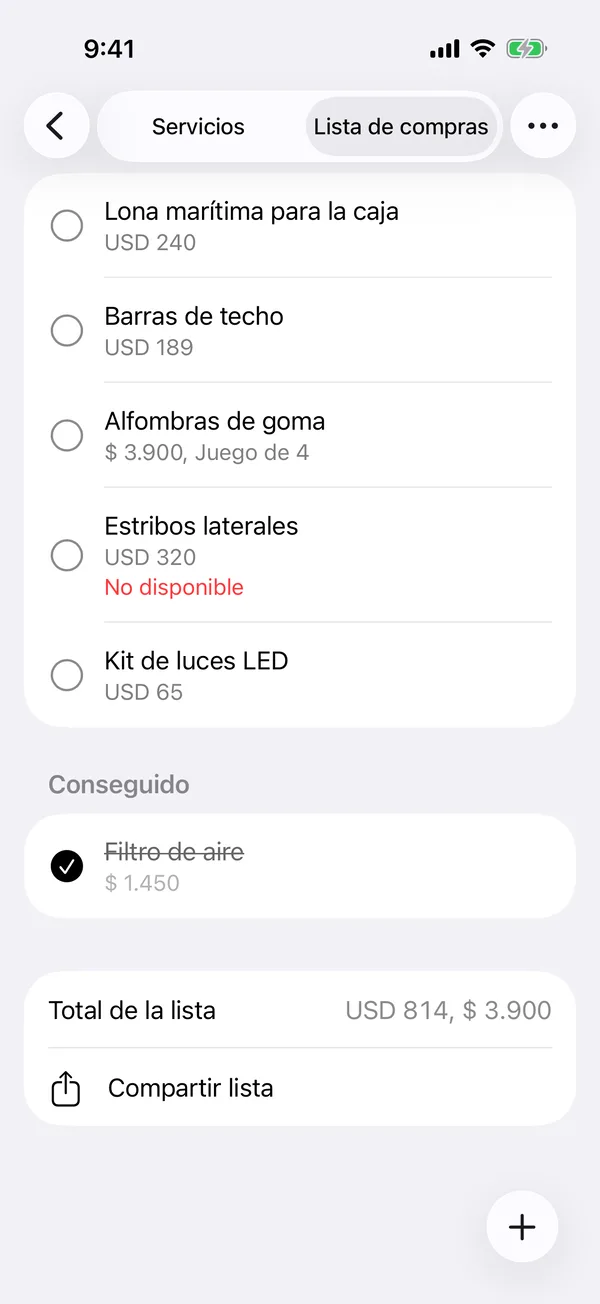
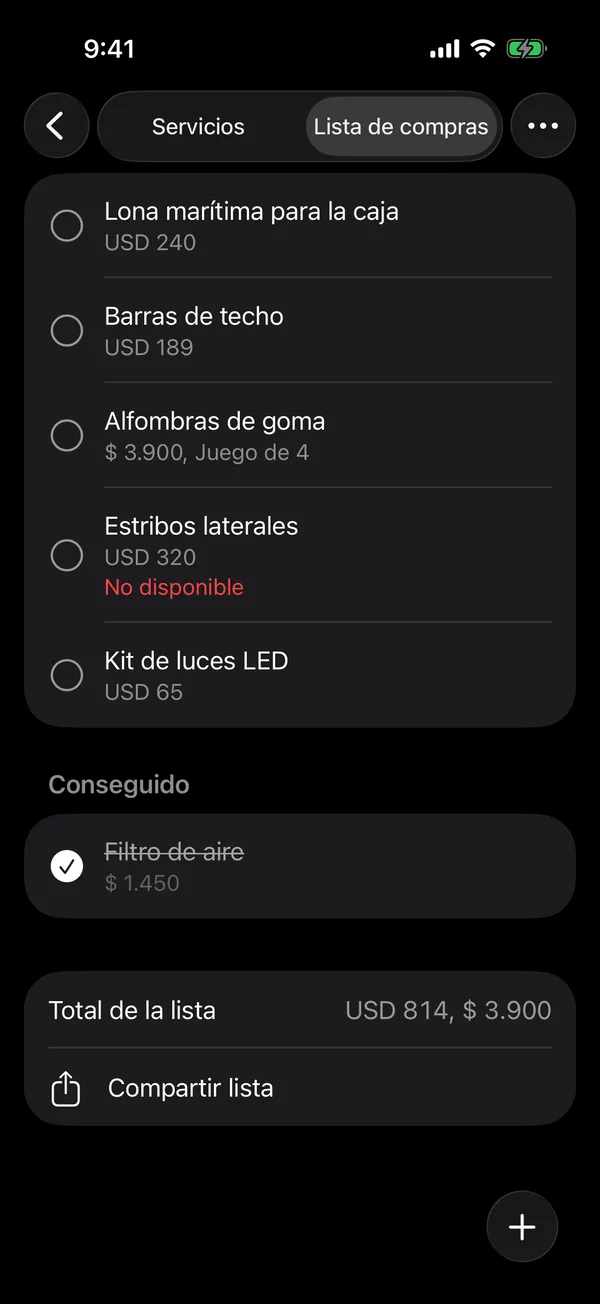
Whoever opens the link sees the vehicle, the total, each item with its picture, store and price, and what’s already been got. They can tap Print to print the list or save it as a PDF, for example to take to the parts store.
The list they see is always the current one: if you add or delete items, the link shows the changes.
More in Service and wishlist
Didn’t find what you were looking for? Write to [email protected] and we’ll get back to you.