
Log a service
Each service with its date, mileage, notes and cost. The cost goes to your payments.
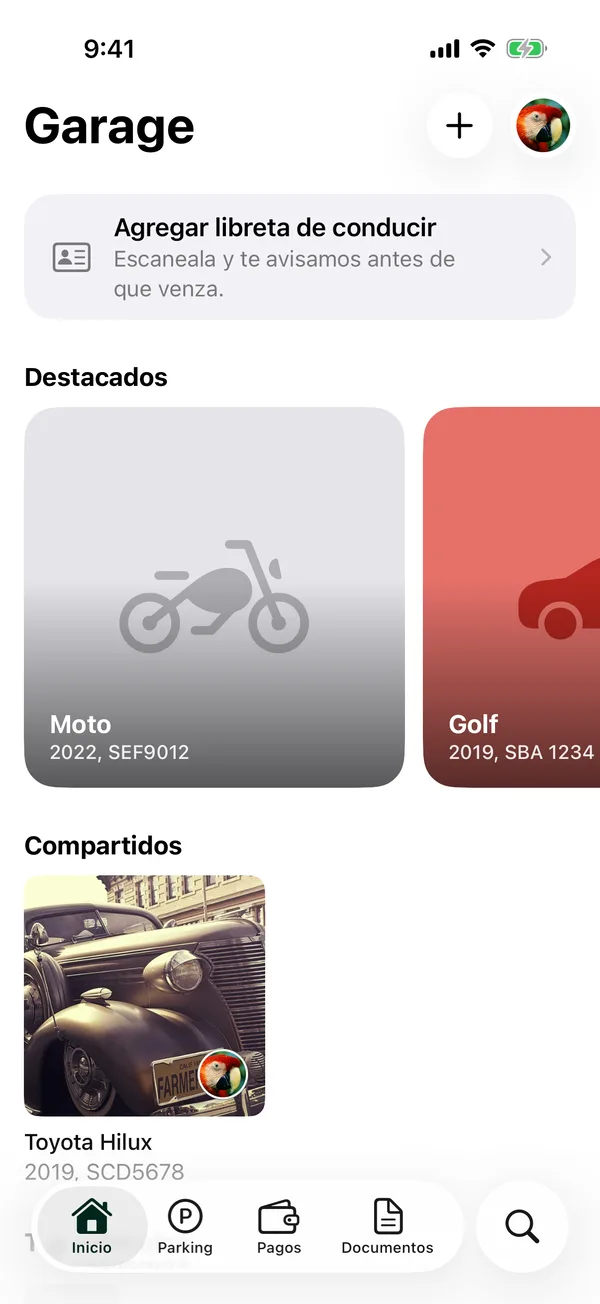
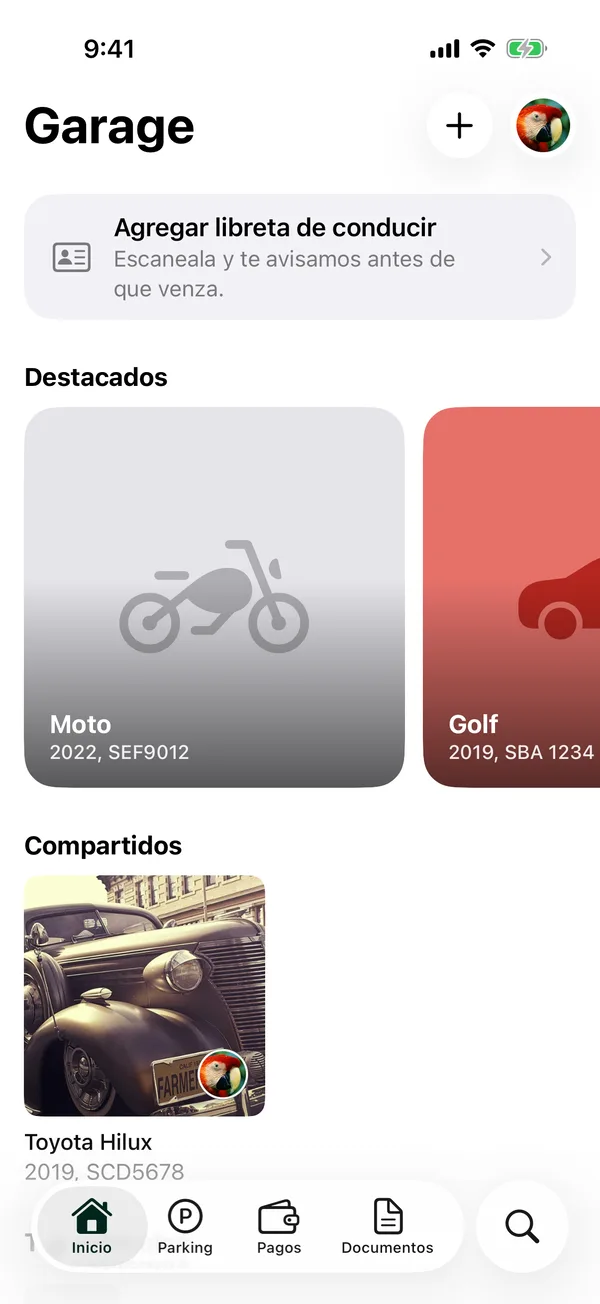
- Open the vehicle and tap Service (or the Service tile).
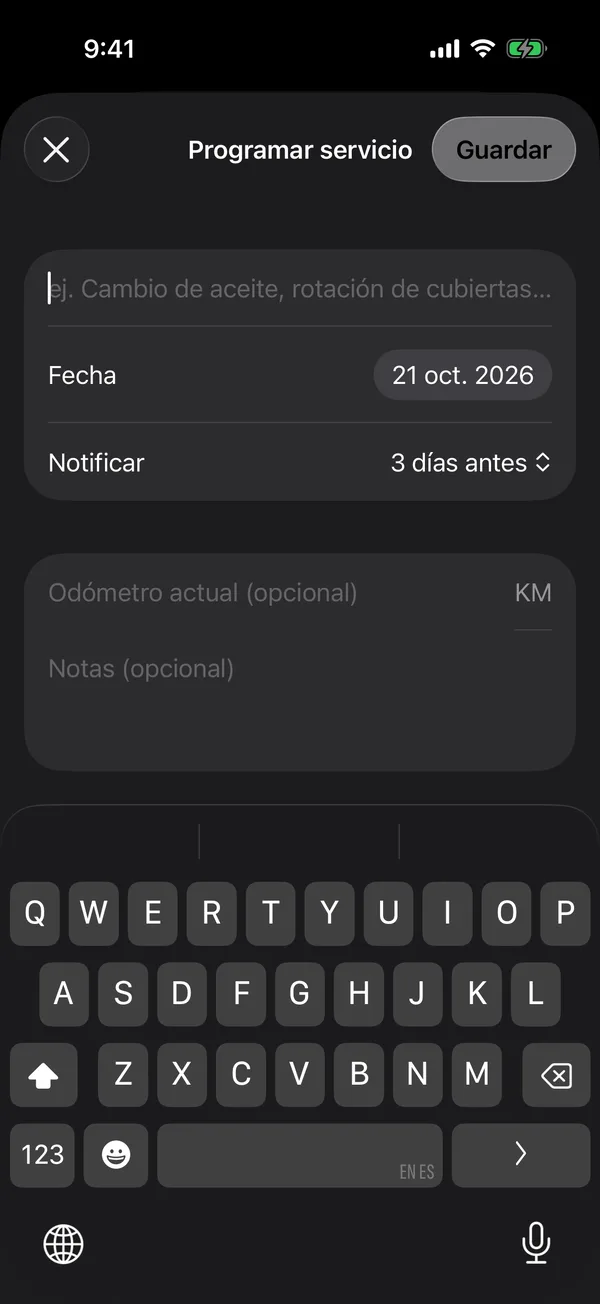
- Tap + (Schedule service).
- Under Service, type what was done, for example “Oil change”.
- Choose the Date and, if you like, the odometer and Notes.
- Tap Save.
To mark it done and log its cost, tap it in the list. See Schedule the next service.
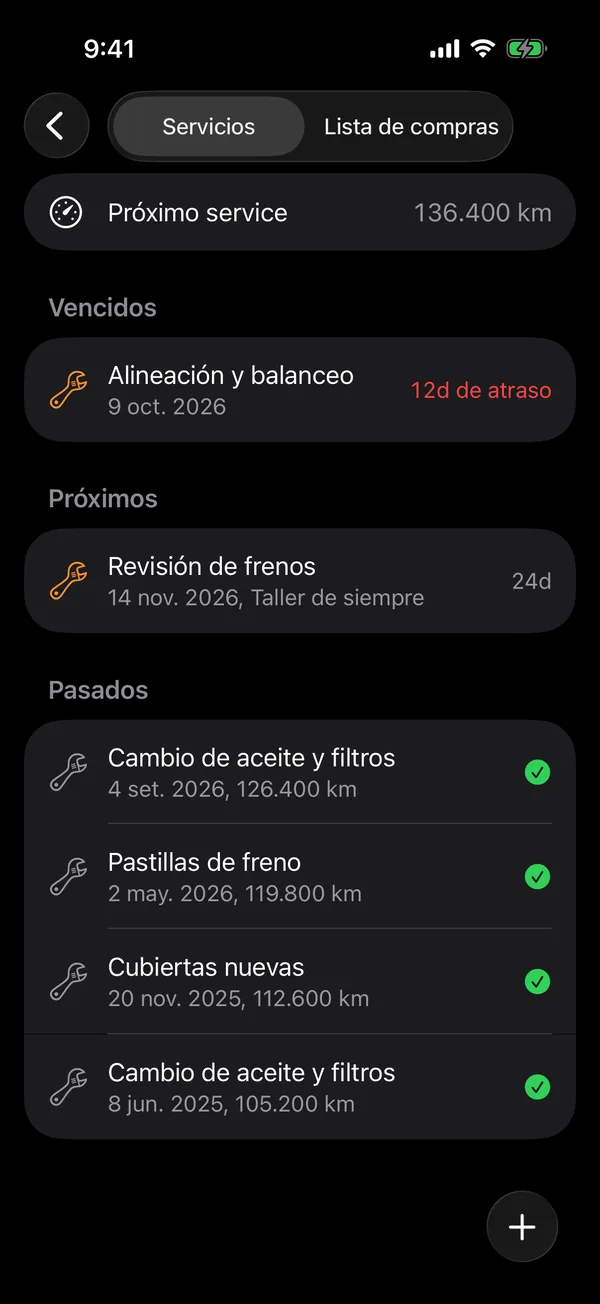
The list shows Overdue, the upcoming ones and Past. Swipe a service left to Edit or Start it (marks it In shop), or right to Delete it.
For the services of all your vehicles, open your account and tap Maintenance history.
Only the owner and admins see and log a vehicle’s services.
More in Service and wishlist
Didn’t find what you were looking for? Write to [email protected] and we’ll get back to you.