
The vehicle page
Everything about a vehicle in one place: registration, tax, fines, insurance, parking, fuel, service and payments.
Tap a vehicle on Home to open its page.
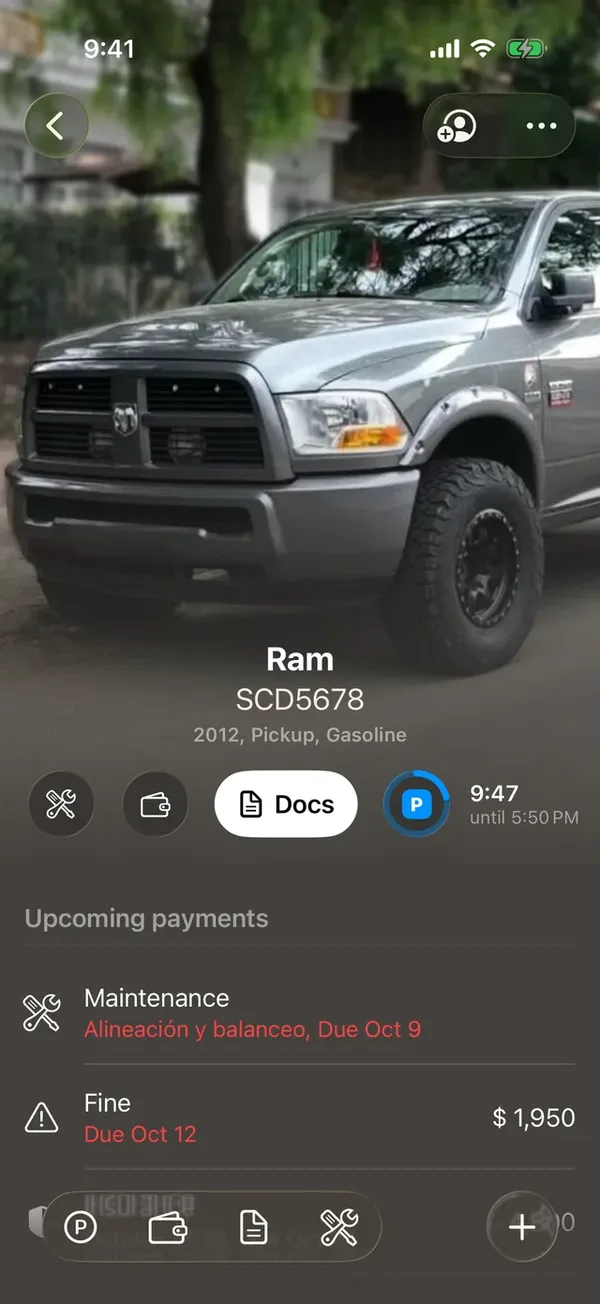
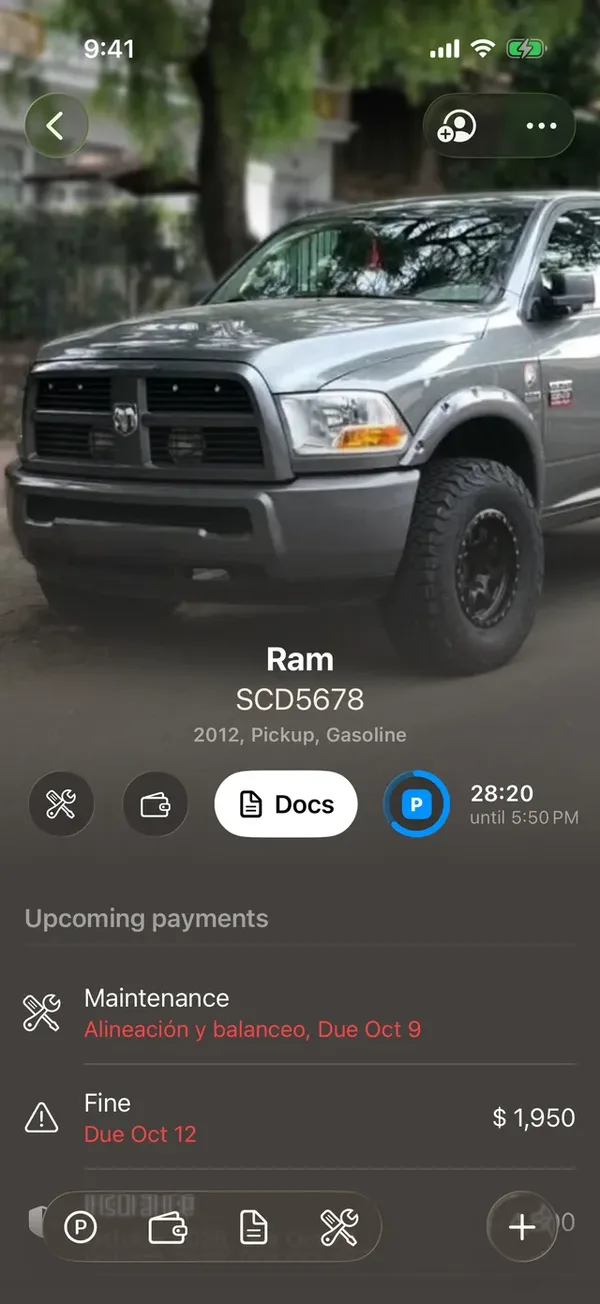
At the top
- The photo, the name, the plate and a line with year, type and fuel. With several photos, tap the left or right side of the photo to step through them.
- A row of buttons: Service, Payments, Docs and the parking one. While the vehicle is parked, that button shows the time left.
- At the top right, the share button and More (⋯), with Edit, Transfer ownership and Add to Apple Wallet.
Further down
- Upcoming payments: what’s due soon for this vehicle.
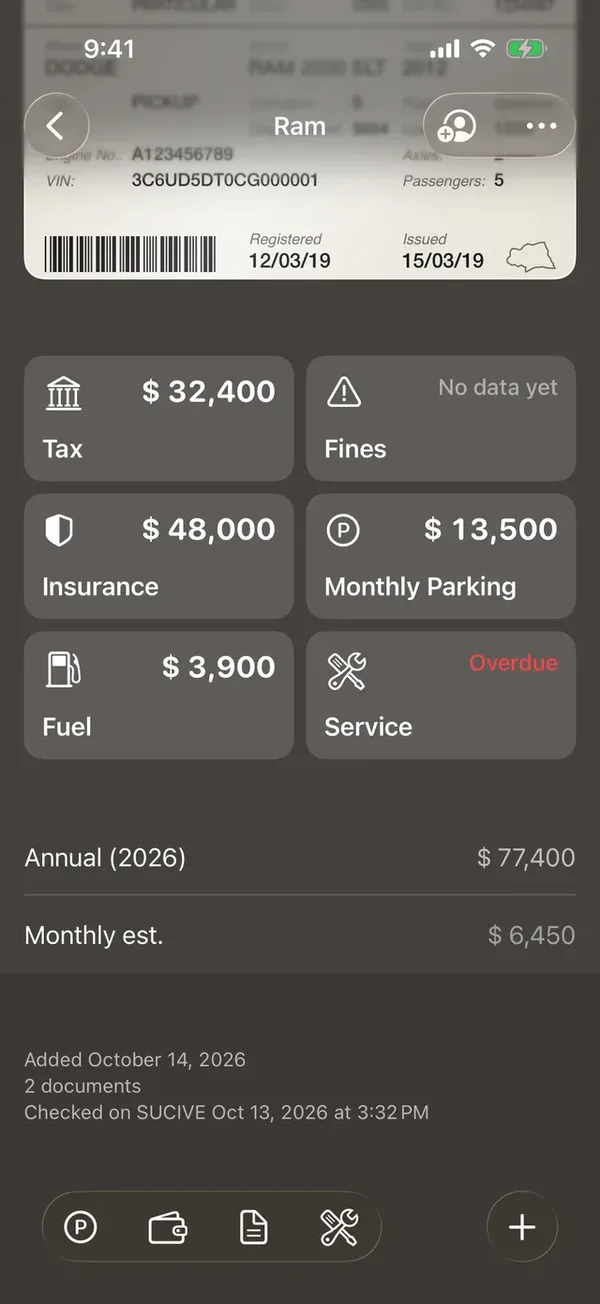
- The registration card. Tap any value to copy it.
- The Tax, Fines, Insurance, Monthly Parking, Fuel and Service tiles. Each opens its section; an empty one says Add.
- Annual and Monthly est.: what the vehicle costs you this year, and per month.
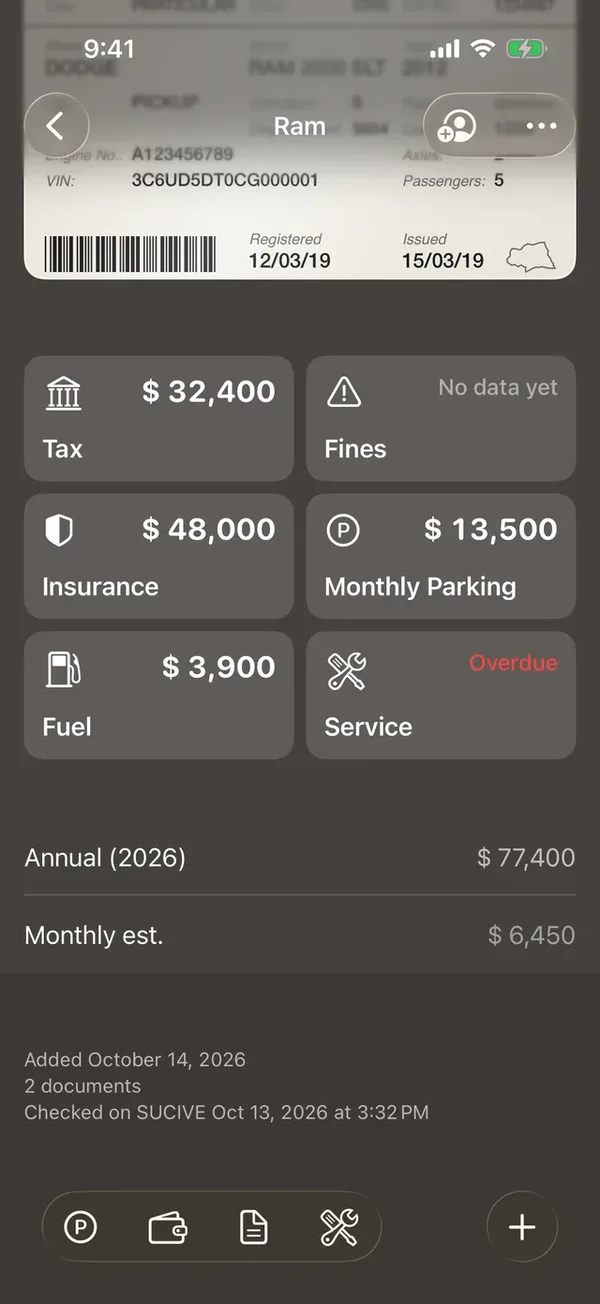
The bottom bar
On a vehicle’s page the bottom bar replaces the tab bar: it has shortcuts to each section and + for Record payment, Schedule service, Policy, Take photo and Choose photos.
What you see depends on your role in the vehicle. See What each person can do.
More in Getting started
Didn’t find what you were looking for? Write to [email protected] and we’ll get back to you.