
Remove a vehicle from your garage
Only the owner can remove it. If you scan it again later, it comes back with its data.
- Open the vehicle, tap More (⋯), then Edit.
- Scroll to Danger zone and tap Remove from garage.
- Confirm with Remove.
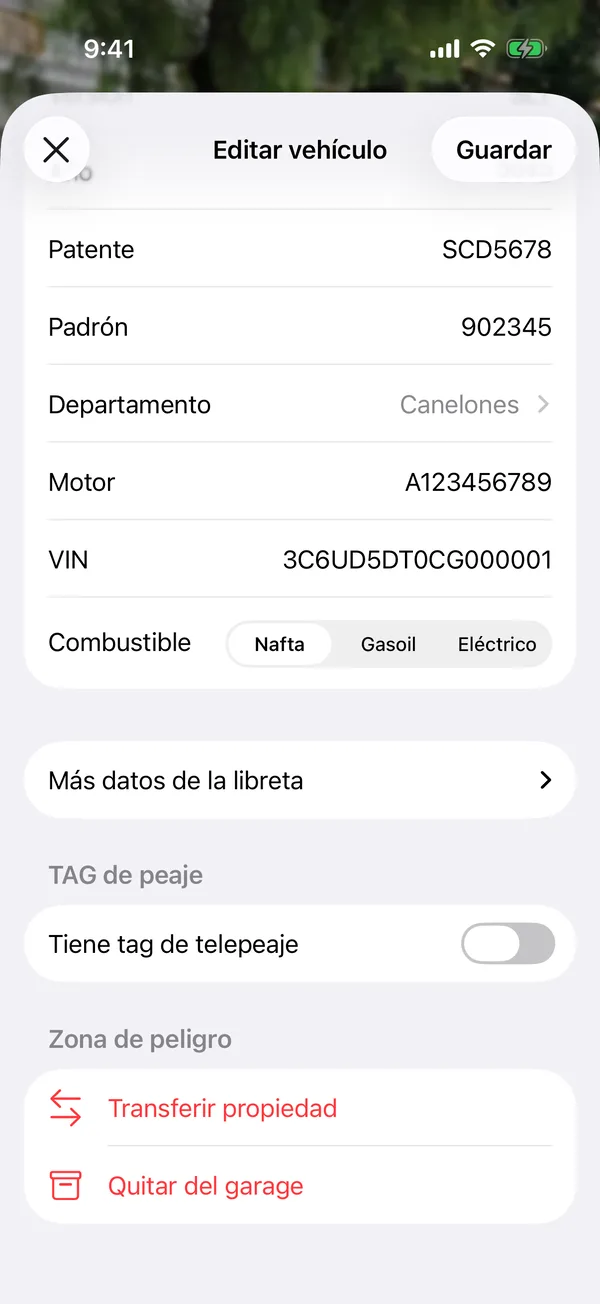
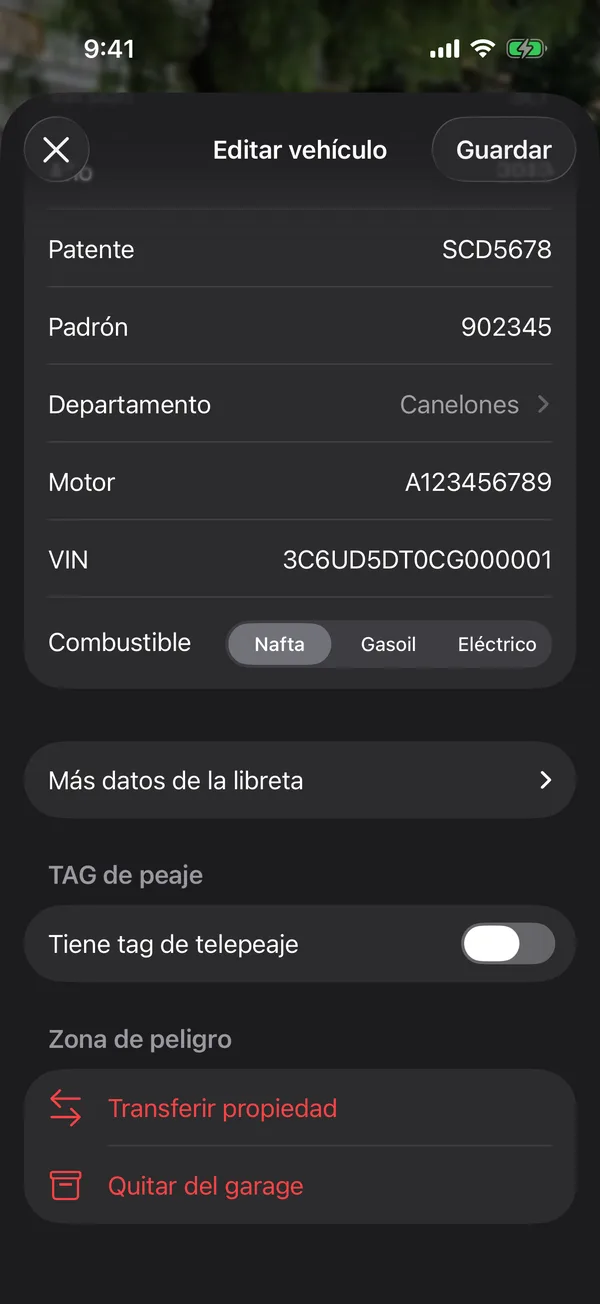
You’re back on Home without the vehicle. Your data is kept: if you scan the same card later, the vehicle comes back with everything.
Sold it? Instead of removing it, transfer it to the new owner so they get its service history.
If the vehicle isn’t yours but was shared with you, you don’t remove it: you leave it. See Change roles, remove people or leave.
More in Getting started
Didn’t find what you were looking for? Write to [email protected] and we’ll get back to you.