
Edit the details, photos or color
Change the alias, the registration details, the cover, the gallery photos, the color and the toll tag.
- Open the vehicle and tap More (⋯) at the top right.
- Tap Edit. You can also swipe the vehicle left on Home and tap Edit.
- Make your changes and tap Save.
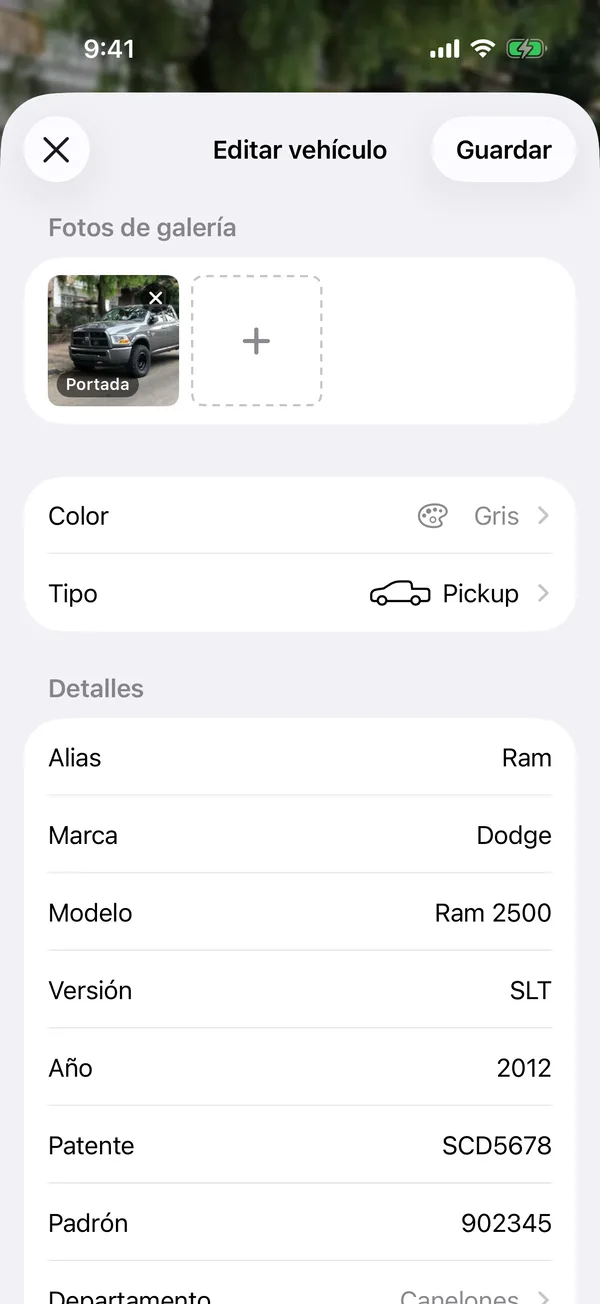
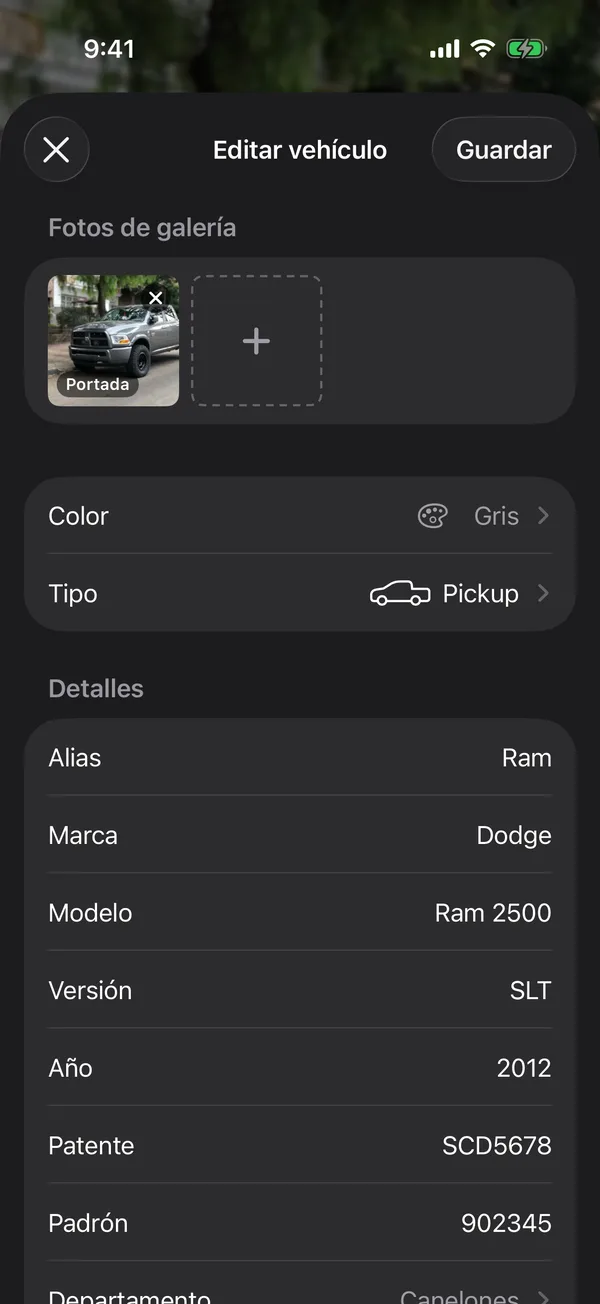
Photos
Under Gallery Photos, the first photo is the Cover. Tap a photo to Make cover, move it or Delete it, or press and hold it to drag it elsewhere. To add photos, tap the + tile.
Color
Tap Color. If the vehicle has a photo, drag the loupe over the vehicle to sample its color; otherwise pick one from the palette. The color tints the vehicle’s page.
More details
Details holds the registration details. Tap More registration details for the rest. Under Toll Tag you can note whether it has a toll tag and its number.
If the vehicle page shows Missing from the registration, tap Scan the card again or fill in each value by hand.
More in Getting started
Didn’t find what you were looking for? Write to [email protected] and we’ll get back to you.