
Parking on the Lock Screen
The countdown shows on the Lock Screen and in the Dynamic Island while you’re parked.
When parking starts, it appears on the Lock Screen on its own: the vehicle’s photo, its plate, the time left and until when. On iPhones with the Dynamic Island it also shows at the top while you use other apps; press and hold it to see it larger.
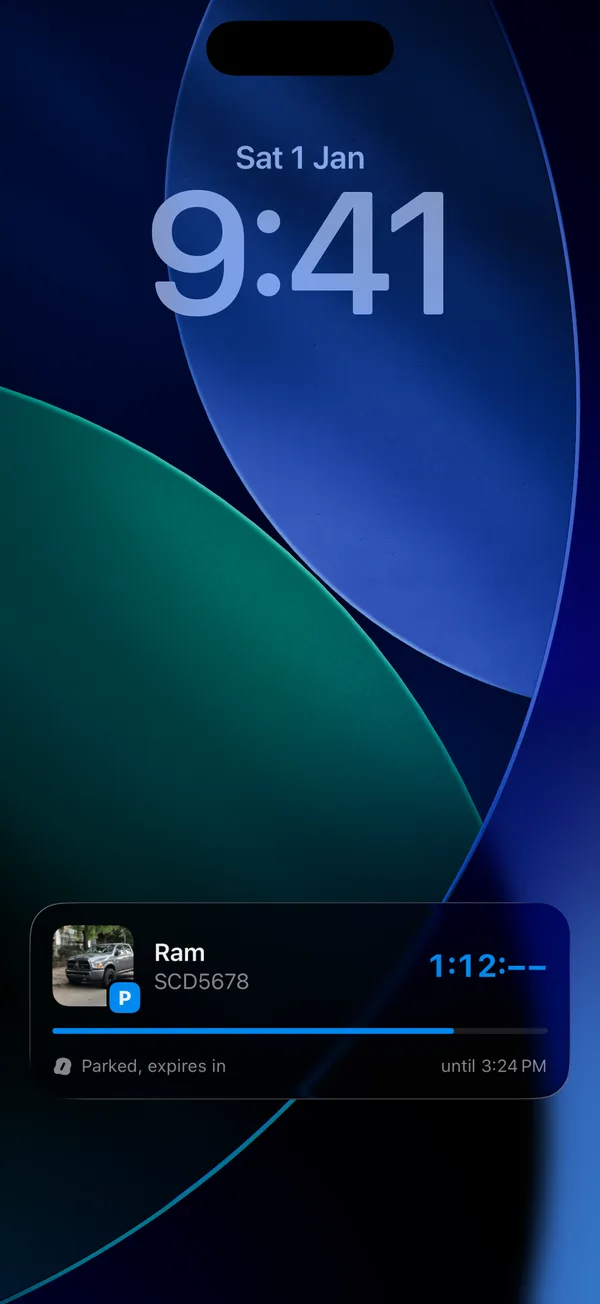
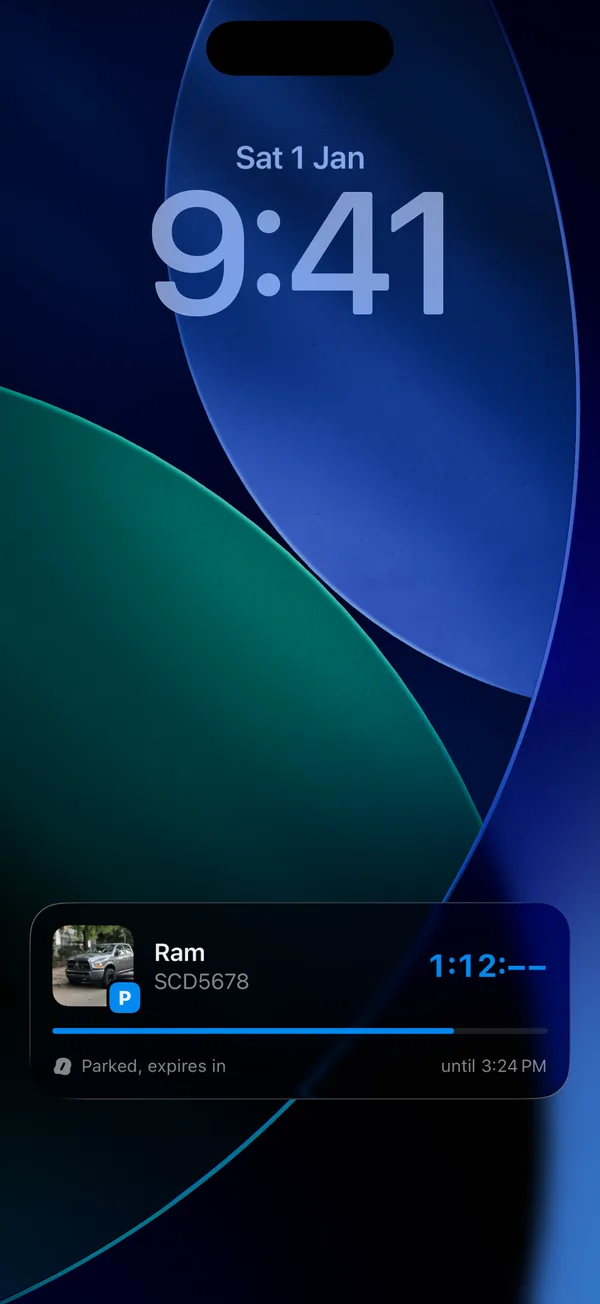
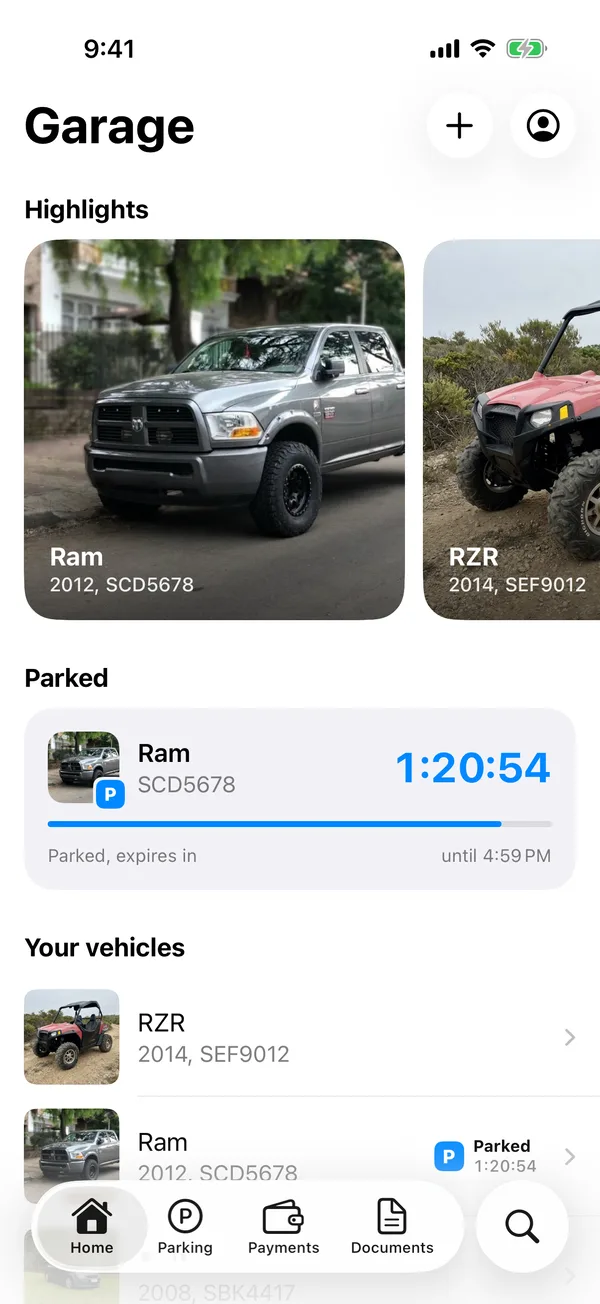
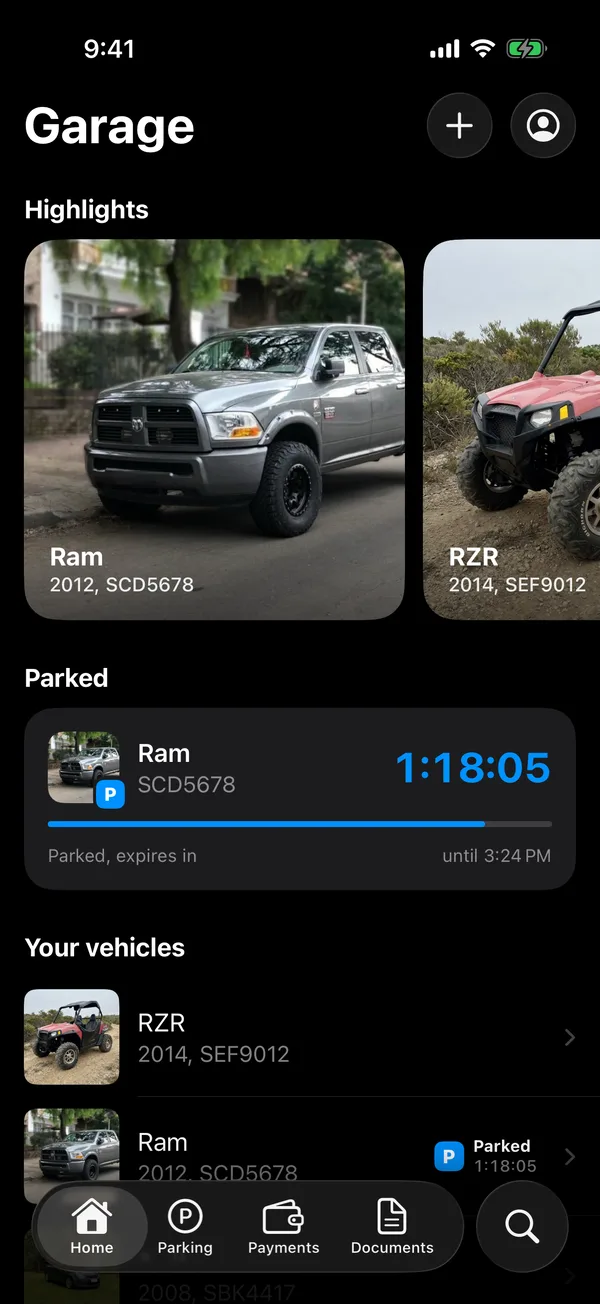
- Tap it to open the parked vehicle in GarageApp.
- It updates when you extend. It goes away when you send the stop SMS.
- When time runs out it says Parking expired.
If it doesn’t appear
Check that Live Activities are allowed for GarageApp in the iPhone’s Settings. If they’re off, the app shows a notification with the end time instead.
The “expiring soon” reminders are turned on with Parking alerts. See Choose which notifications you get.
More in Street and monthly parking
Didn’t find what you were looking for? Write to [email protected] and we’ll get back to you.