
See your parking history
Every time you parked, by month, with its map, its time and how long it lasted.
- On the Parking tab, tap Recents. It’s also under your account button, in Parking history.
- Sessions are grouped by month, newest first. Each shows a map of where you parked, the vehicle, the day, the time and how long it lasted.
- Search by name or plate with Search….
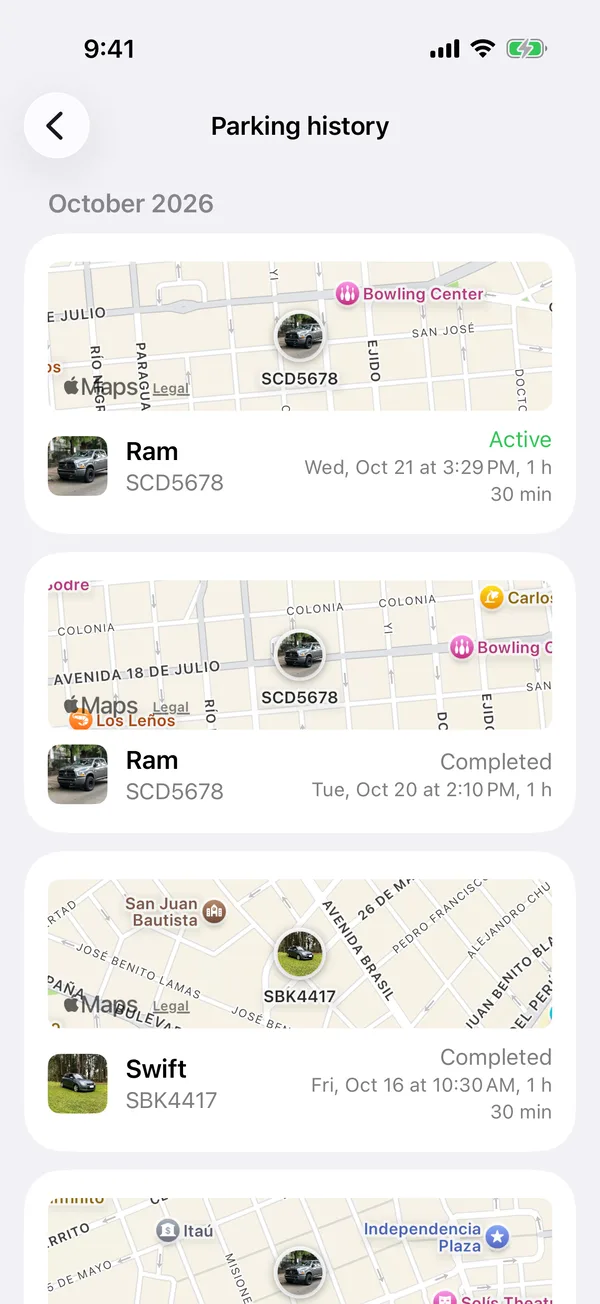
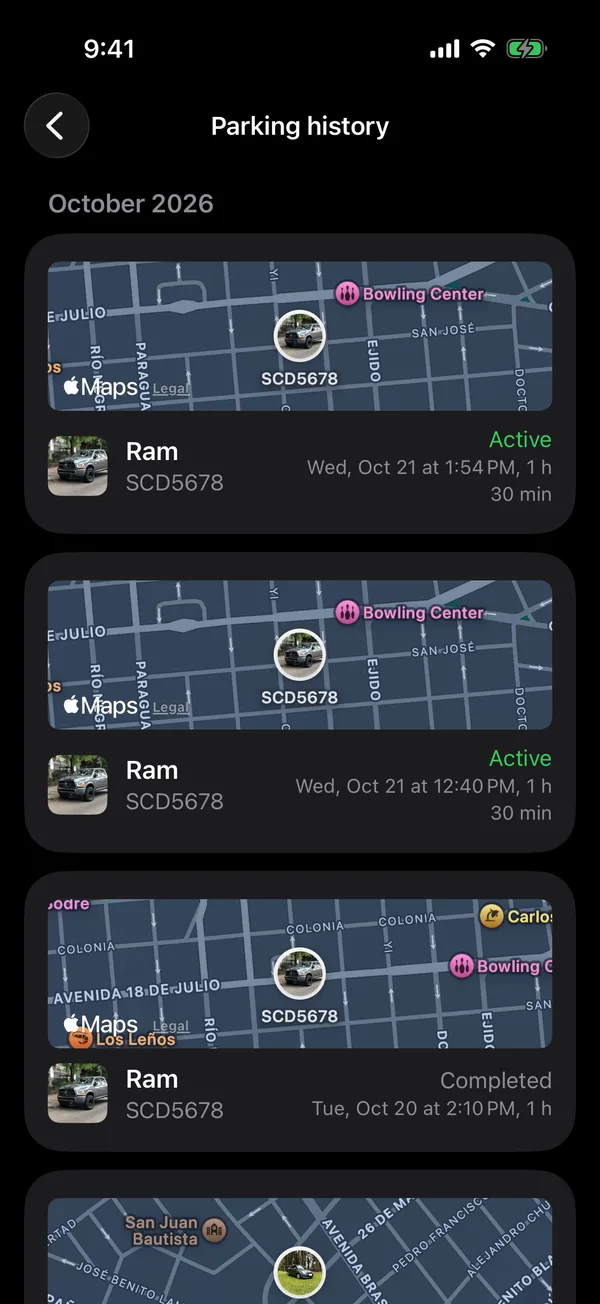
Each session says Active, Completed or Cancelled.
To hide a session, swipe it left and tap Archive. In Recents, each session’s ⋯ menu also has Walking directions.
More in Street and monthly parking
Didn’t find what you were looking for? Write to [email protected] and we’ll get back to you.