
End street parking early
Send the stop SMS to stop paying when you leave early.
- Open the parked vehicle.
- Scroll down and tap Cancel session.
- Tap Send stop SMS.
- Messages opens with the stop SMS. Tap send.
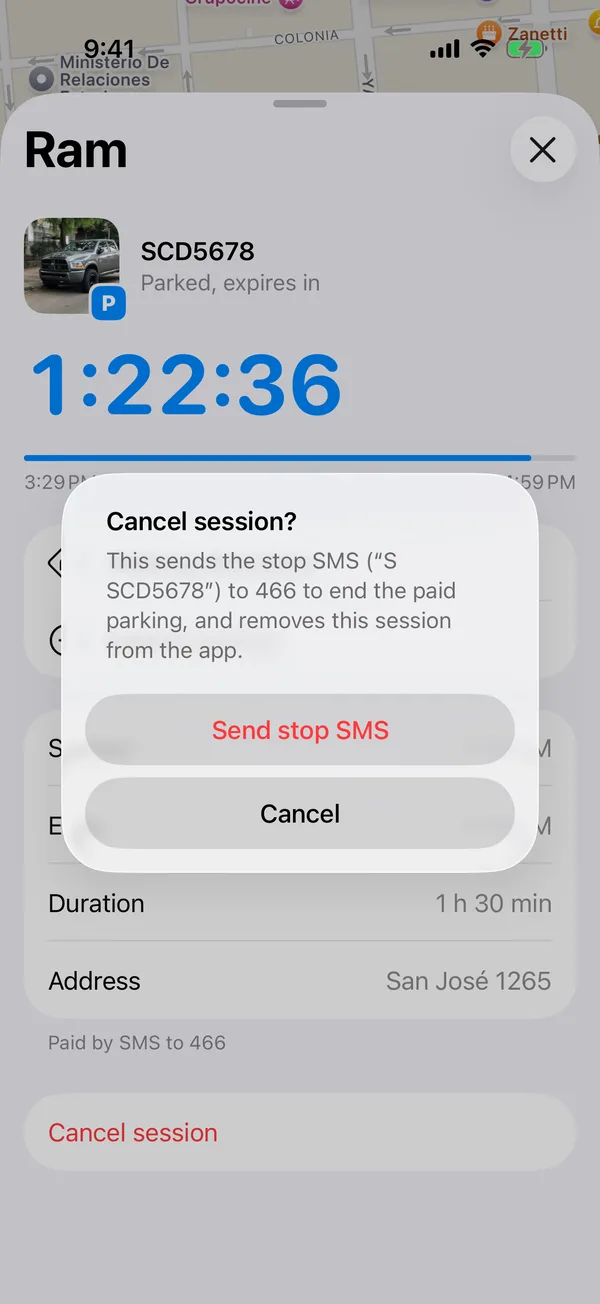
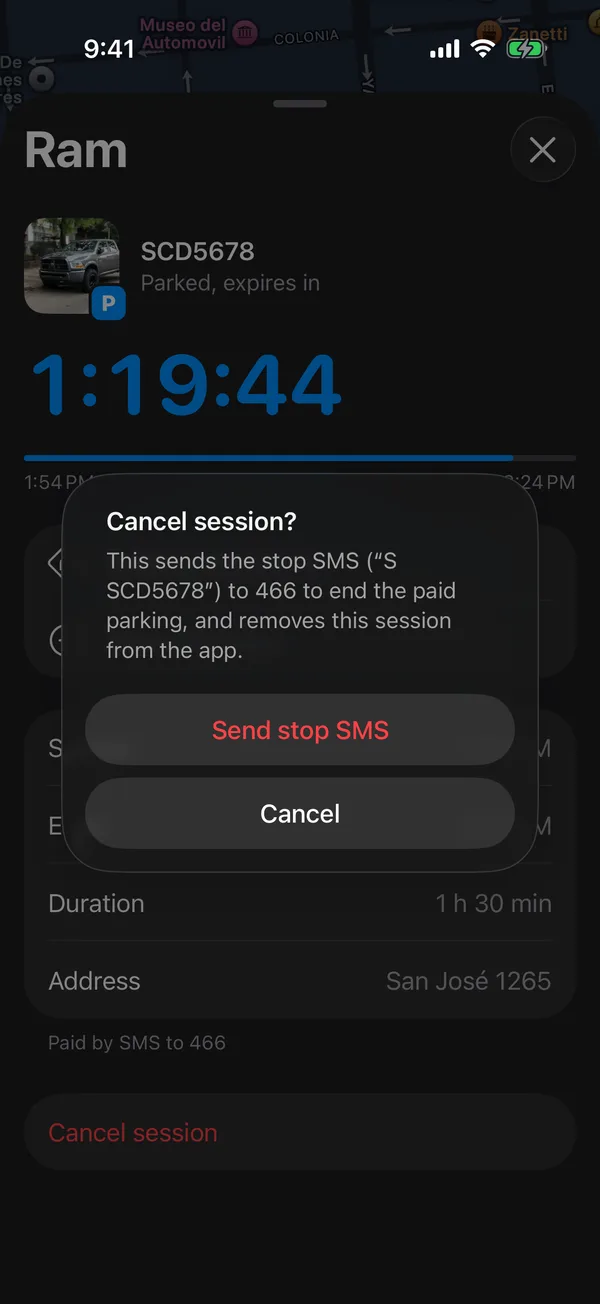
Once the SMS is sent, the session ends, the Lock Screen countdown and the reminders go away, and it stays in the history as Cancelled.
If you don’t end it, the session ends on its own at the end time.
Walk back
On the parked vehicle, tap Walking directions. Maps (or Google Maps or Waze, if you have them) opens with walking directions to where you left it. Address shows the street.
More in Street and monthly parking
Didn’t find what you were looking for? Write to [email protected] and we’ll get back to you.