
Schedule street parking for later
Send the SMS now so parking starts at the time you choose, the same day.
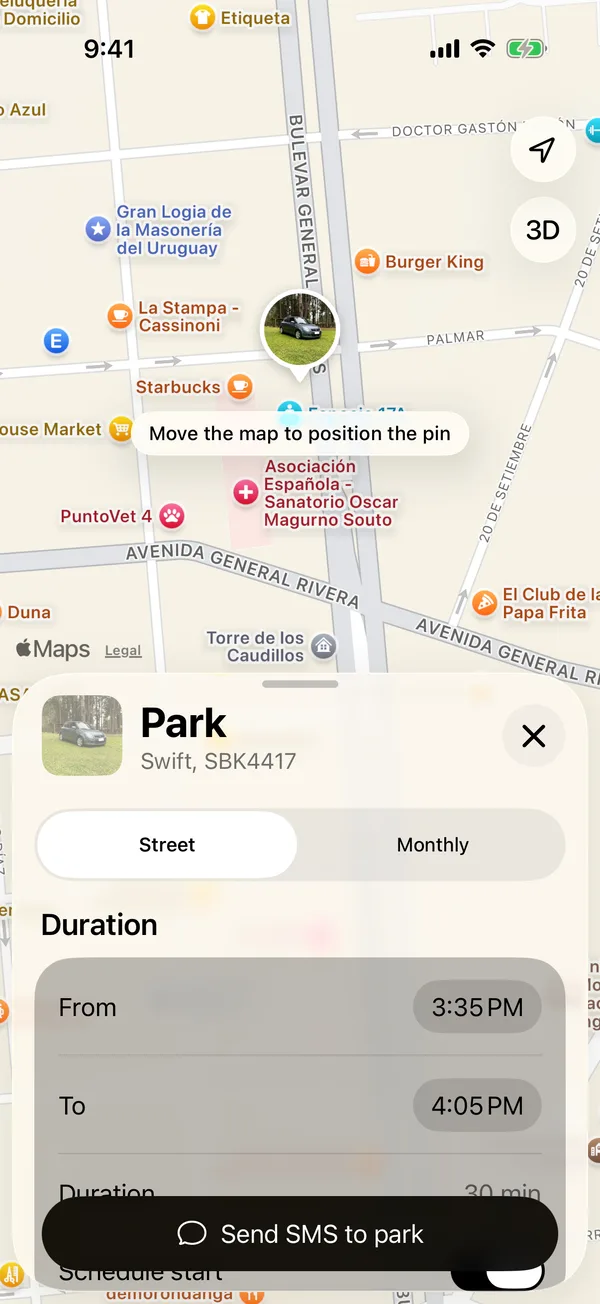
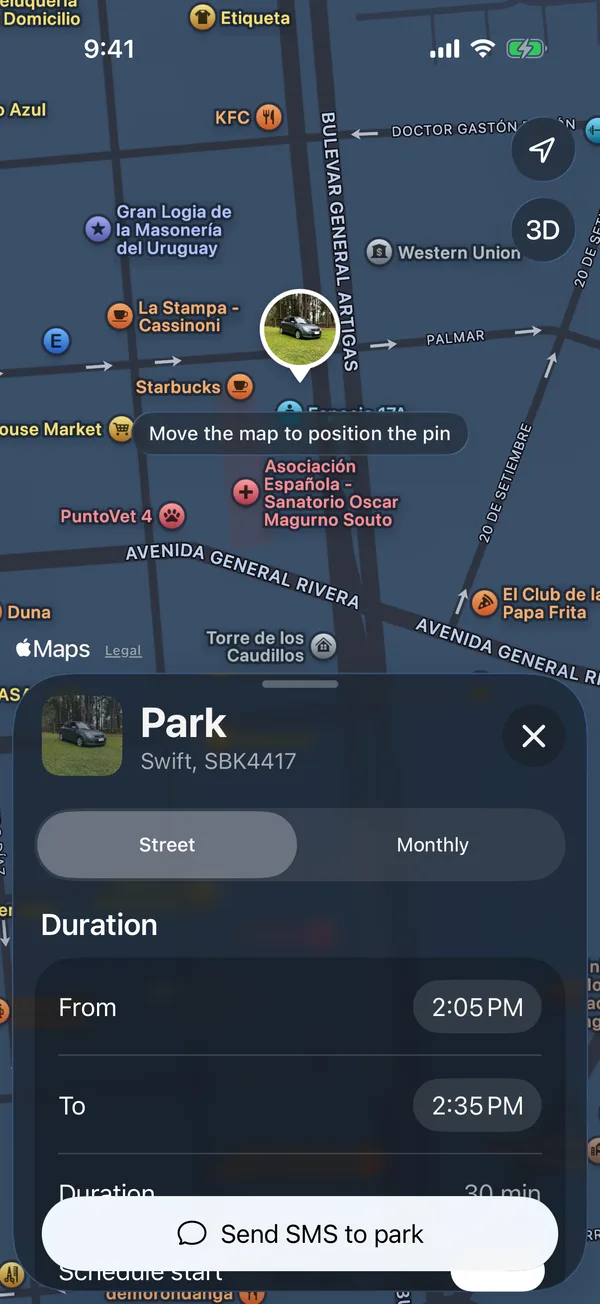
- Open the parking form as in Start street parking.
- Turn on Schedule start.
- Choose From and To.
- Tap Send SMS to park and send the message.
Until it starts, the vehicle shows Starts soon and the Lock Screen says Starts at and the time.
Schedule start only appears on paid days, while there’s still time to schedule for that day.
More in Street and monthly parking
Didn’t find what you were looking for? Write to [email protected] and we’ll get back to you.