
Lock the app with Face ID
Require Face ID or Touch ID to open GarageApp.
- On Home, tap your account button.
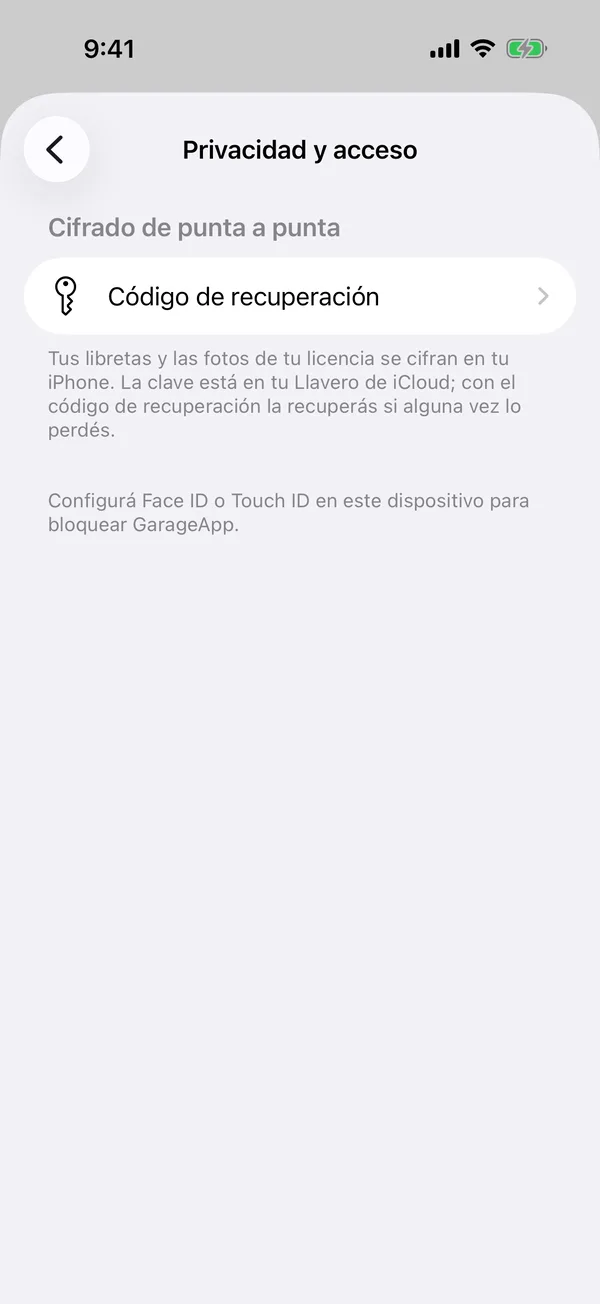
- Tap Privacy & Access.
- Turn on Unlock using Face ID and confirm with your face.
- Under Auto-lock, choose when to ask again: Immediately, After 1 minute, After 5 minutes or Never.

If Face ID fails, tap Unlock to try again or use your iPhone’s passcode. If you can’t get in, Sign out and Contact support appear.
If you don’t see the option, set up Face ID or Touch ID on the iPhone first.
More in Account and settings
Didn’t find what you were looking for? Write to [email protected] and we’ll get back to you.