
Change the app’s language
GarageApp is in Spanish, English, Portuguese and German.
- On Home, tap your account button.
- Tap Language. The iPhone’s Settings open on GarageApp’s page.
- Choose the language.
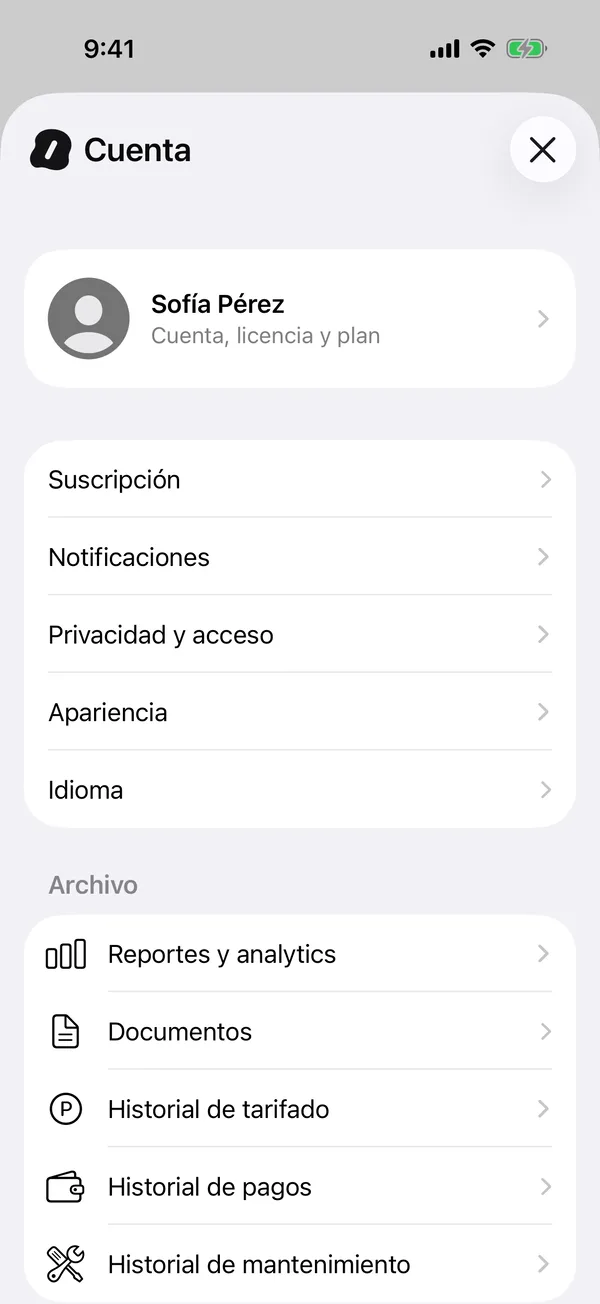
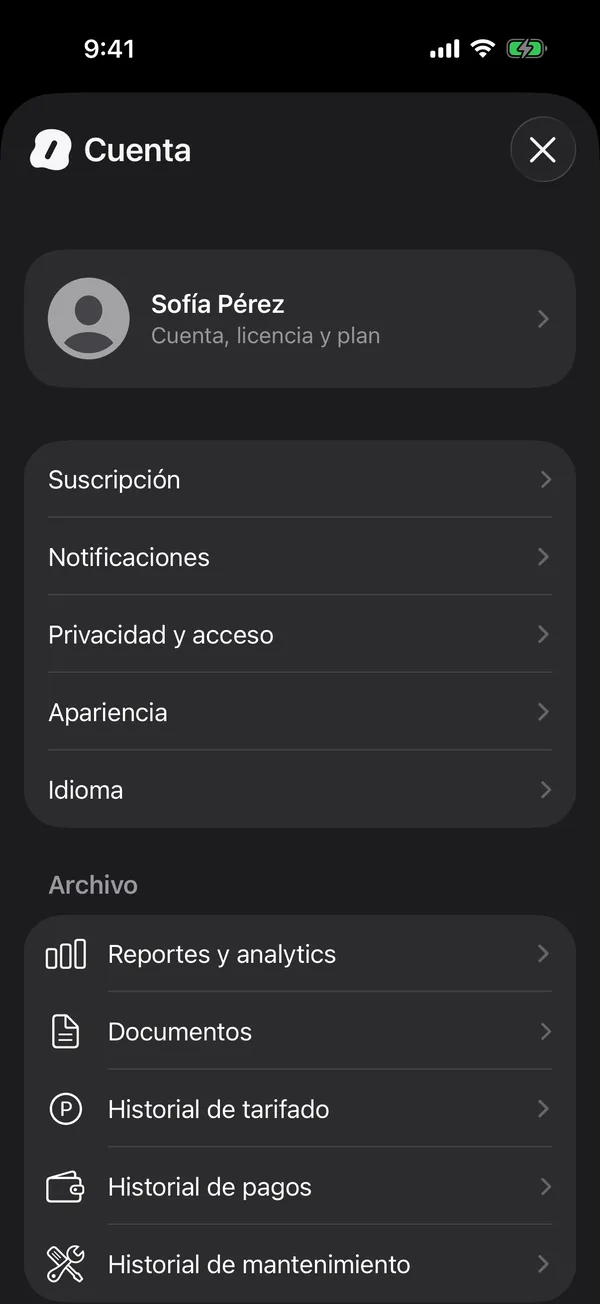
The app and its notifications switch to that language.
If you don’t see a language option in Settings, add another language in Settings, General, Language & Region, and try again.
More in Account and settings
Didn’t find what you were looking for? Write to [email protected] and we’ll get back to you.