
Currency, distance and appearance
Choose the main currency, kilometers or miles, and the light or dark theme.
- On Home, tap your account button.
- Tap Look & feel.
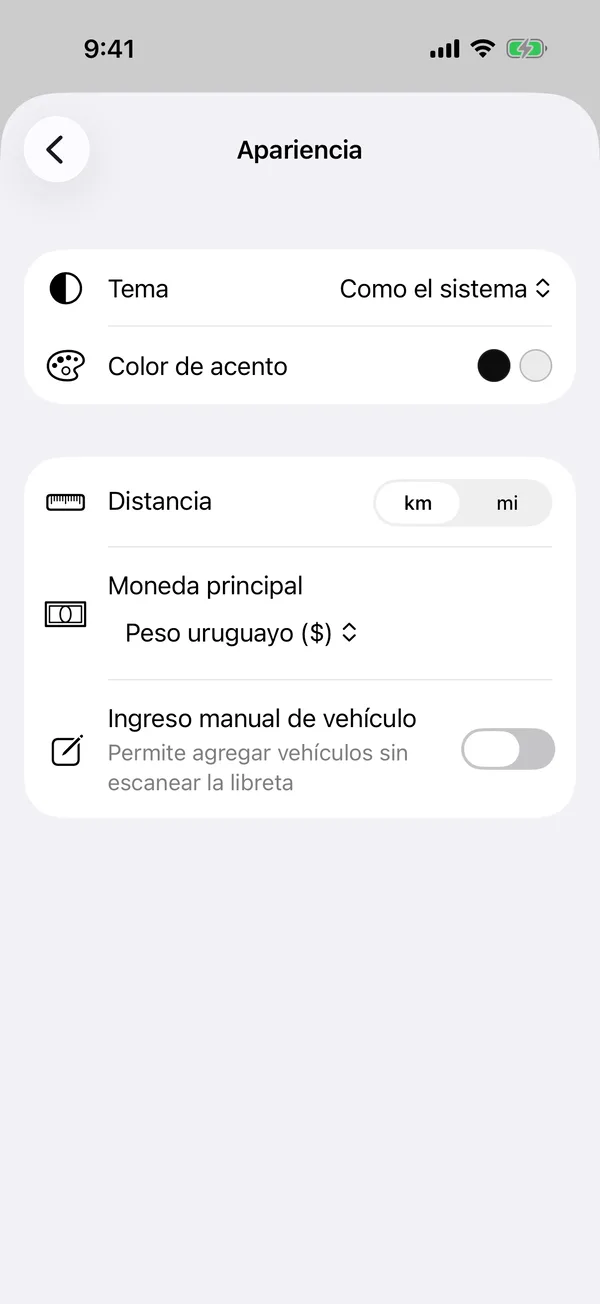
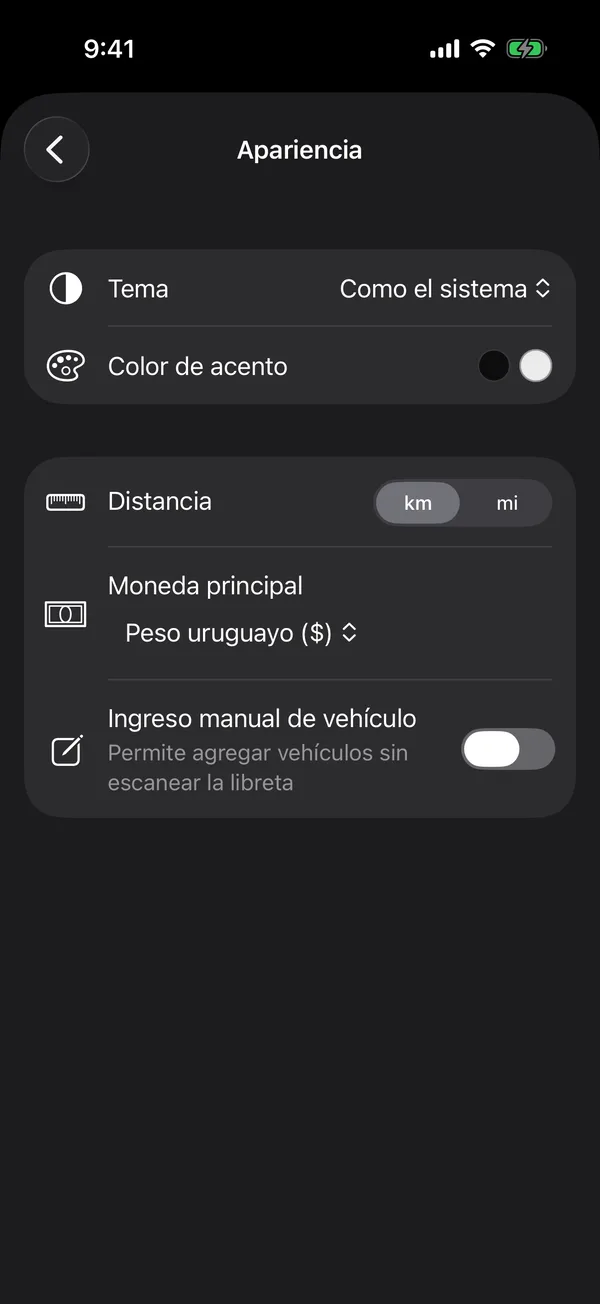
- Theme: Dark mode, Match system or Light mode.
- Distance: km or mi. It’s used for the odometer and services.
- Main currency: the currency new payments start in and totals are shown in. It can be the Uruguayan peso, US dollar, Argentine peso, Brazilian real or euro.
- Accent color: the color of the selected tab, the switches and the links, one for light mode and one for dark. It’s on some plans.
Changes apply right away.
More in Account and settings
Didn’t find what you were looking for? Write to [email protected] and we’ll get back to you.