
See the vehicle tax and debt from SUCIVE
Each vehicle’s tax (patente), its installments and its debt, brought in from SUCIVE.
GarageApp checks SUCIVE for you with the vehicle’s plate and padrón, and lets you know when something changes.
- Open the vehicle.
- Look at the Tax tile: the yearly value and, if any, the debt.
- Tap it to open Tax and fines.
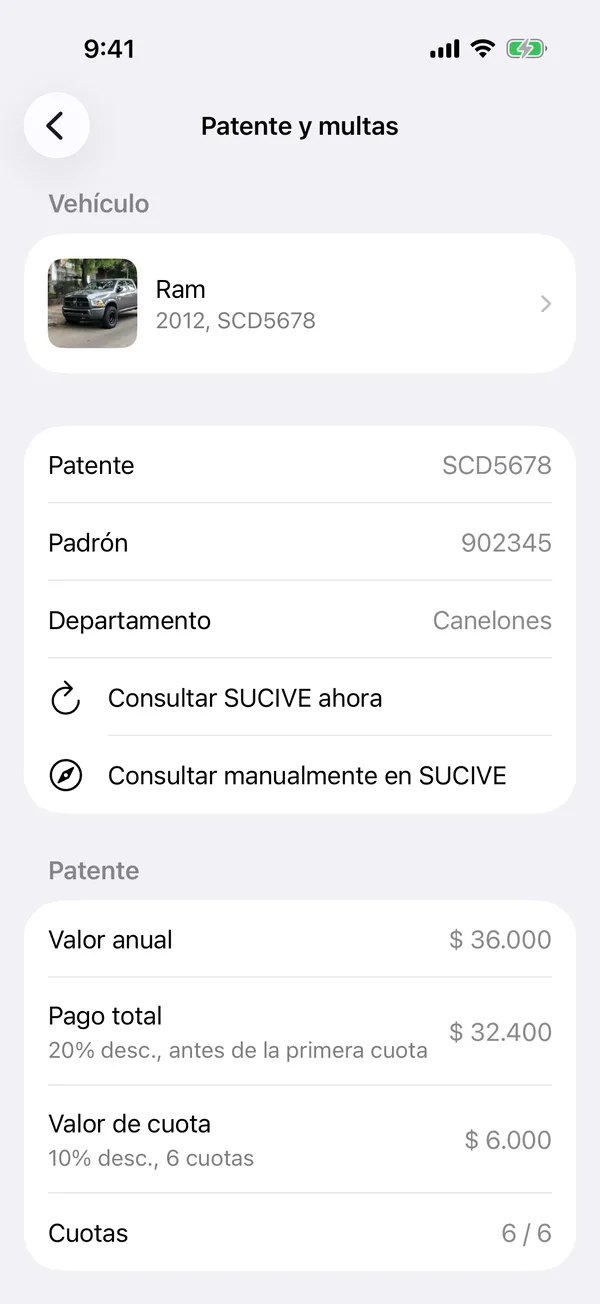
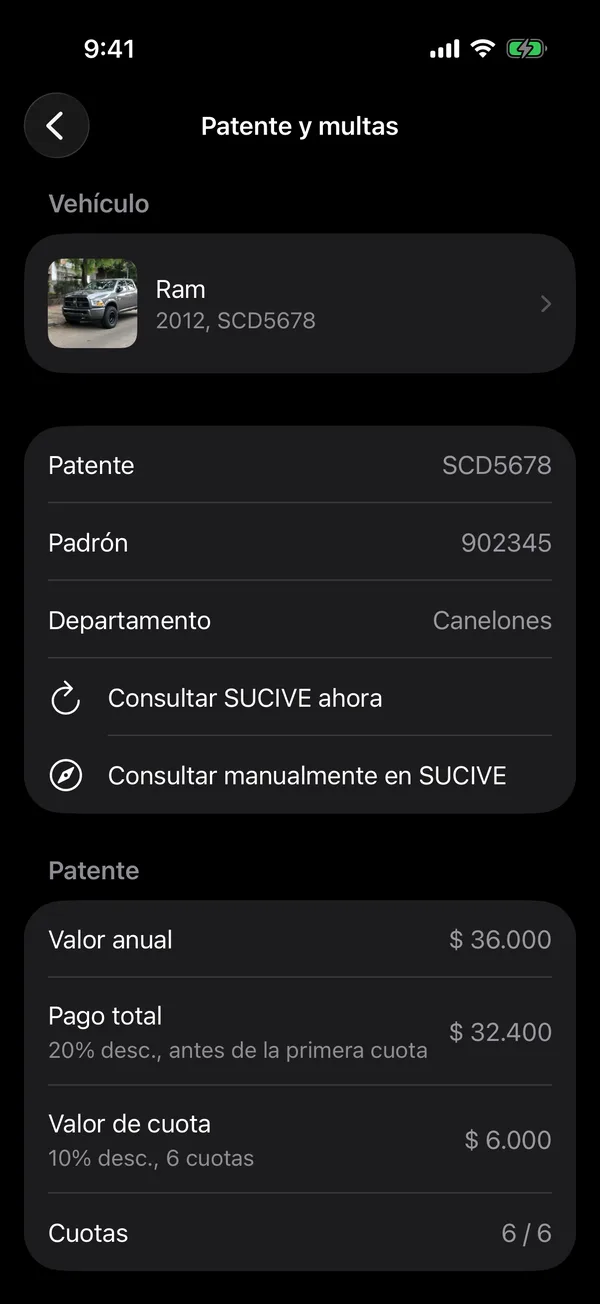
Vehicle Tax shows the Annual value, the Full payment, the Installment value and the Installments paid. Outstanding Debt shows the Total debt or No outstanding debt.
The tax installments show under Pending in Payments, so you can mark them when you pay.
Check now
On Tax and fines, tap Check SUCIVE now. If you checked recently, the app tells you when you can check again. Depending on your plan, this option may ask you to upgrade.
For the official page, tap Consult SUCIVE manually and choose what to check: sucive.gub.uy opens with your details filled in.
If the tile says None, add the plate and padrón in Edit the vehicle.
SUCIVE vehicle tax and fines in GarageApp
More in SUCIVE
Didn’t find what you were looking for? Write to [email protected] and we’ll get back to you.