
See your SUCIVE fines
Each vehicle’s traffic fines, brought in from SUCIVE with their date and amount, and an alert when a new one appears.
GarageApp checks SUCIVE every week and brings in each vehicle’s fines, so you don’t have to visit the site.
- Open the vehicle and look at the Fines tile: the unpaid total.
- Tap it to open Tax and fines.
- Scroll to Traffic fines: each fine with its reason, date and amount.
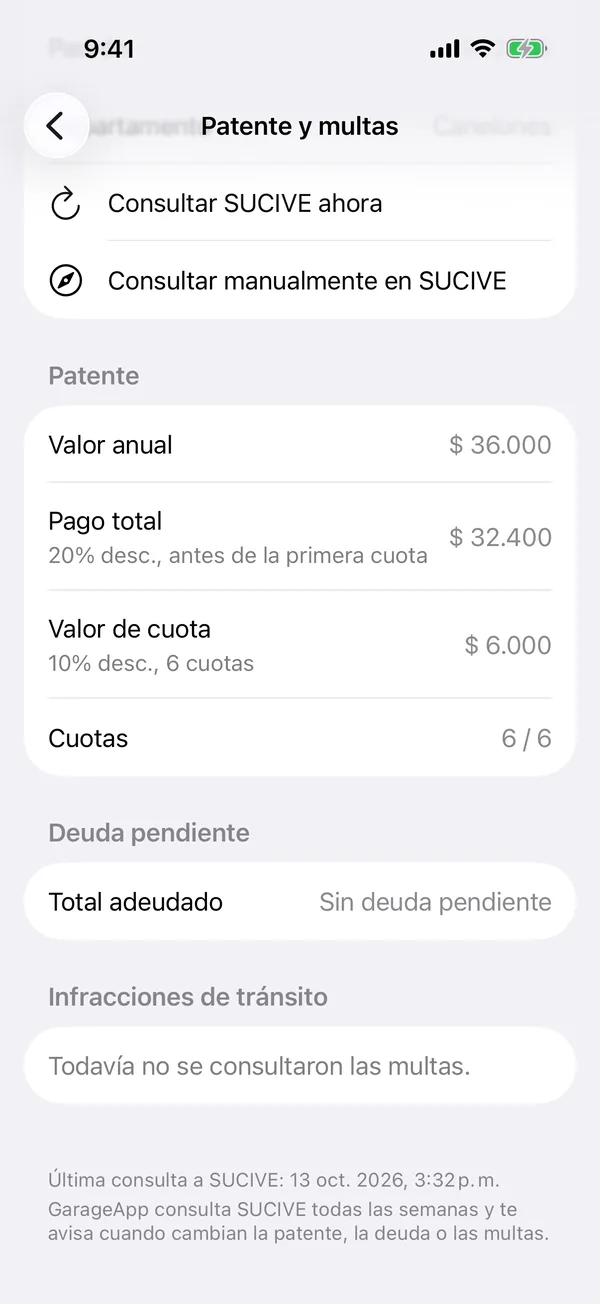
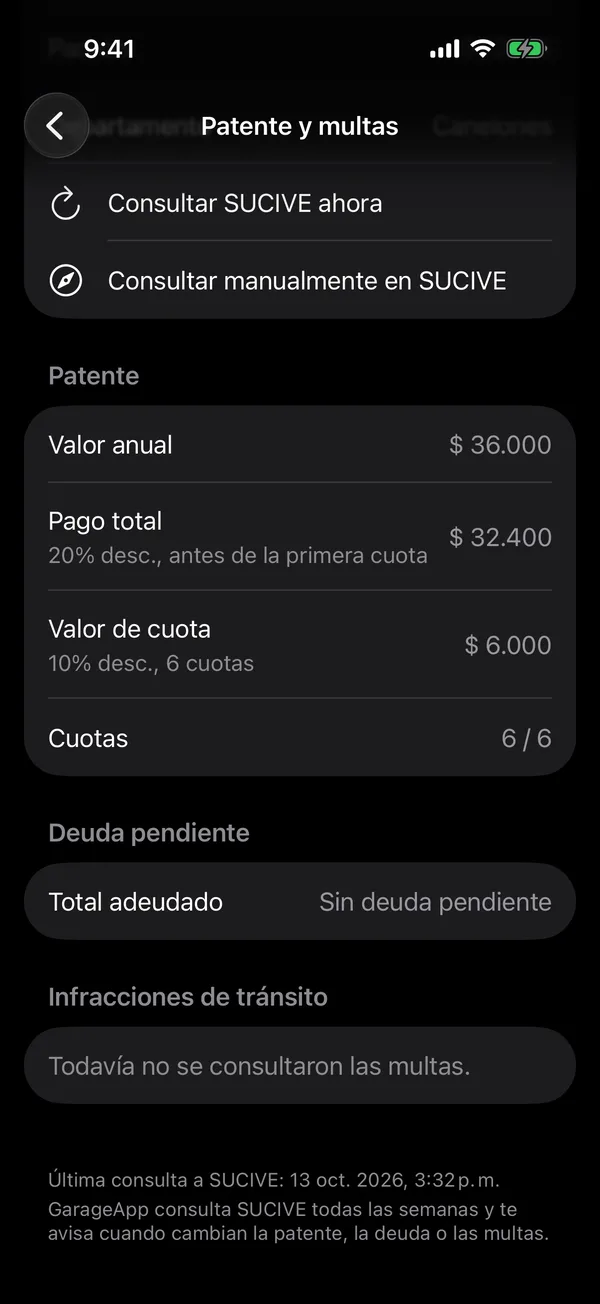
With none, it says No fines.
When a new fine appears, we let you know. That alert is turned on with New fines in notifications.
To record that you paid it, log it in Payments with the Fine category. See Record a payment.
SUCIVE vehicle tax and fines in GarageApp
More in SUCIVE
Didn’t find what you were looking for? Write to [email protected] and we’ll get back to you.