
Invite someone to a vehicle
Invite by username or email and choose each person’s role.
- Open the vehicle and tap the share button at the top right.
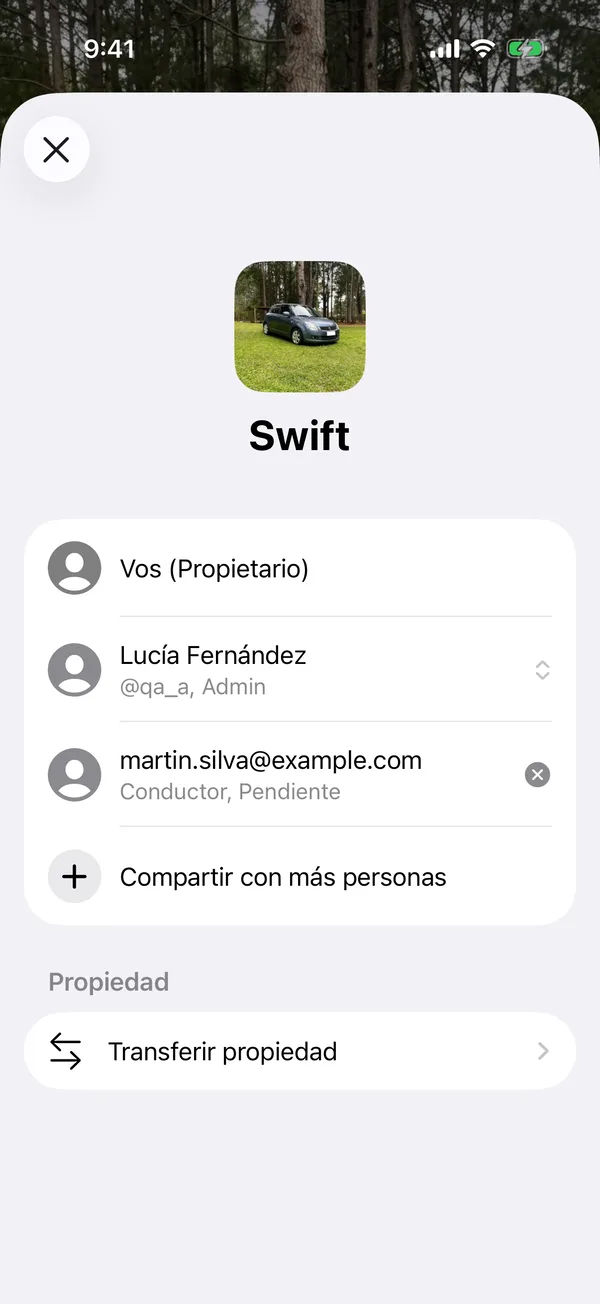
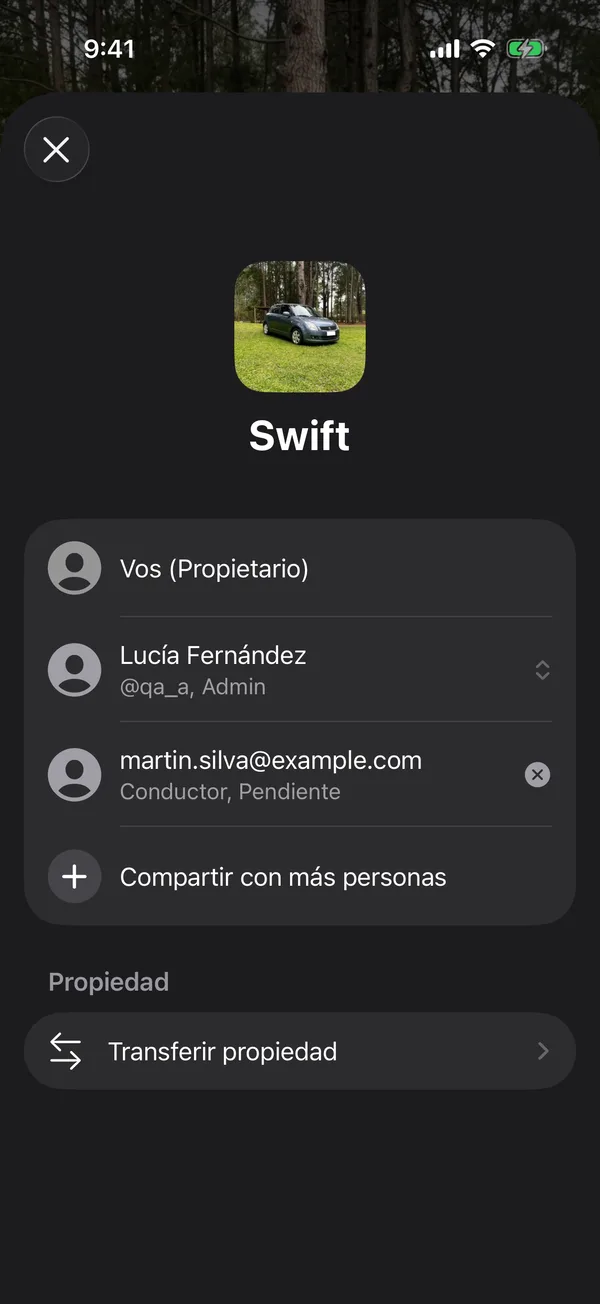
- If you haven’t shared it yet, the people list opens. If you have, a menu appears: tap Invite or Manage Shared Vehicle.
- Tap Share With More People.
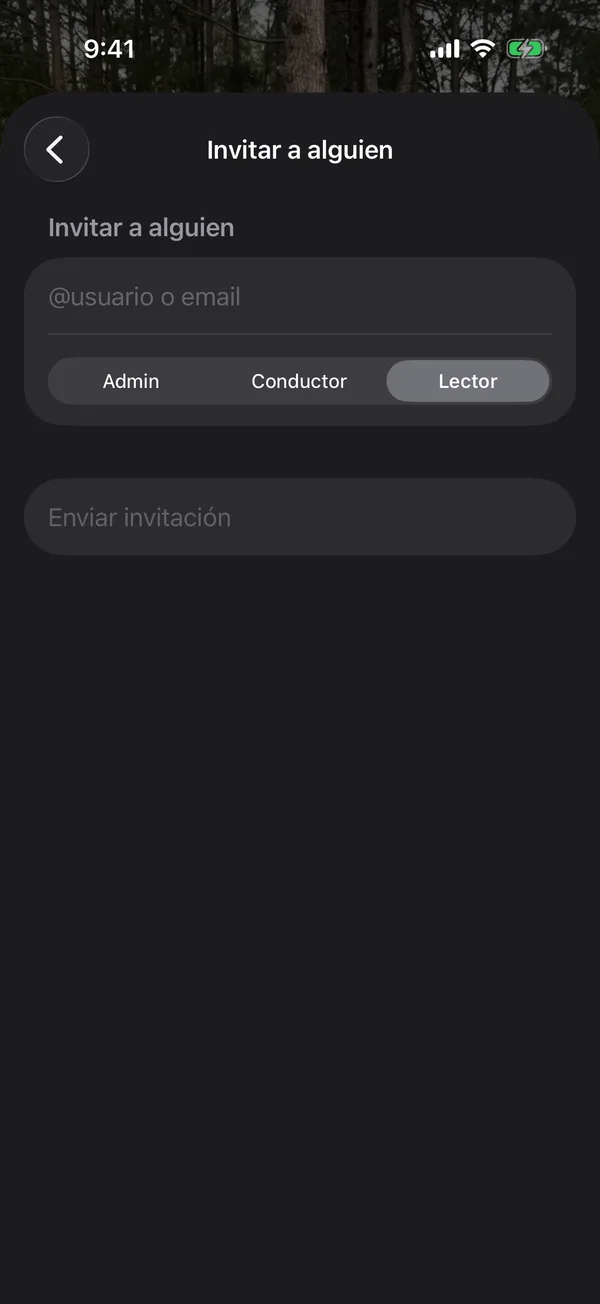
- Type the person’s @username or email.
- Under Role, choose Admin, Holder or Viewer. See What each person can do.
- Tap Send invitation.
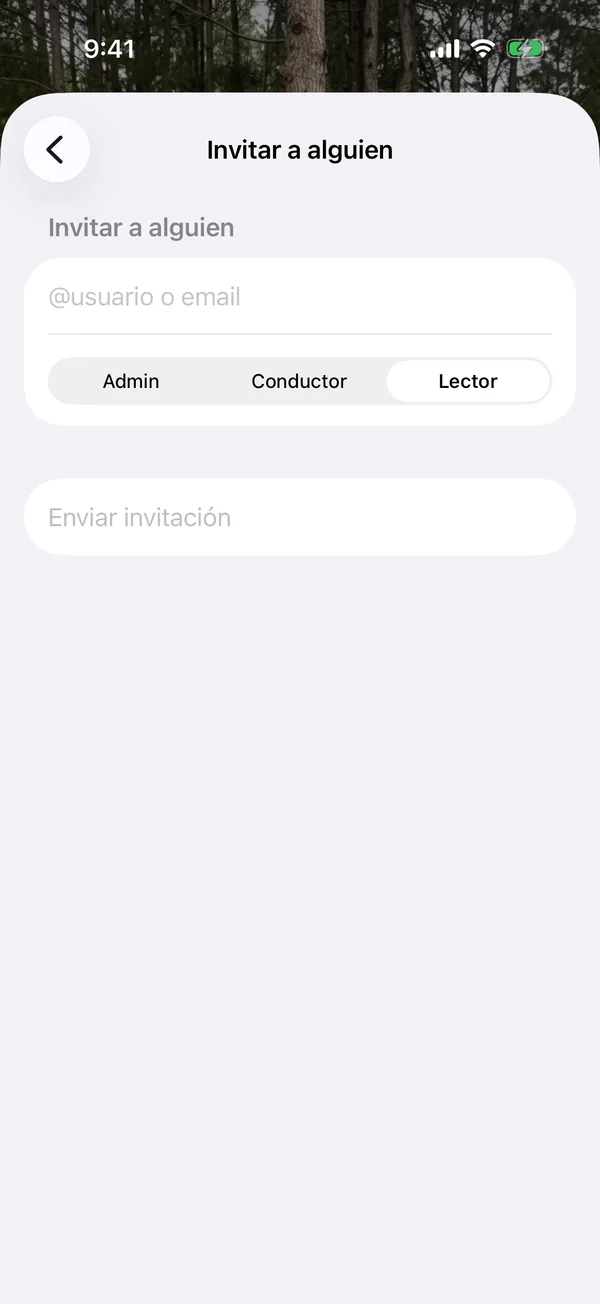
The invitation shows in the list as Pending until the person accepts it.
If the invitation didn’t arrive
If the app says Invitation created, the invitation exists but the person couldn’t be notified. Tap Share link or Copy link and send it yourself. Opening the link on their phone lets them accept.
You can also tap a pending invitation to cancel it, or swipe it to copy or share the link again.
If the app says Member limit reached, your plan doesn’t allow more people on that vehicle. Pending invitations count too.
More in Sharing
Didn’t find what you were looking for? Write to [email protected] and we’ll get back to you.