
Mark as paid, edit or delete a payment
One at a time or several at once.
Mark a payment as paid
- Tap the payment under Pending.
- Under Status, choose Paid and check the Paid on date.
- Tap Save.
Mark several at once
- Open the vehicle and tap Payments, or stay on the Payments tab.
- Tap More (⋯), then Select.
- Tap the payments to mark, or Select All.
- Tap Mark as Paid. They’re paid with today’s date.
- Tap Done.
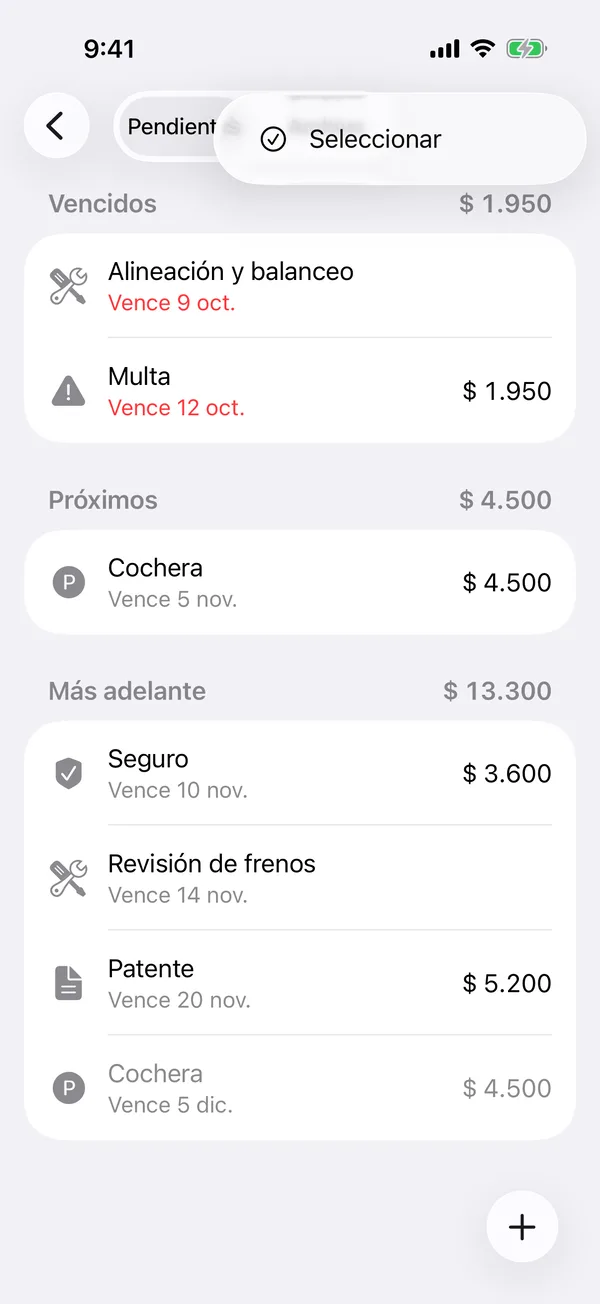
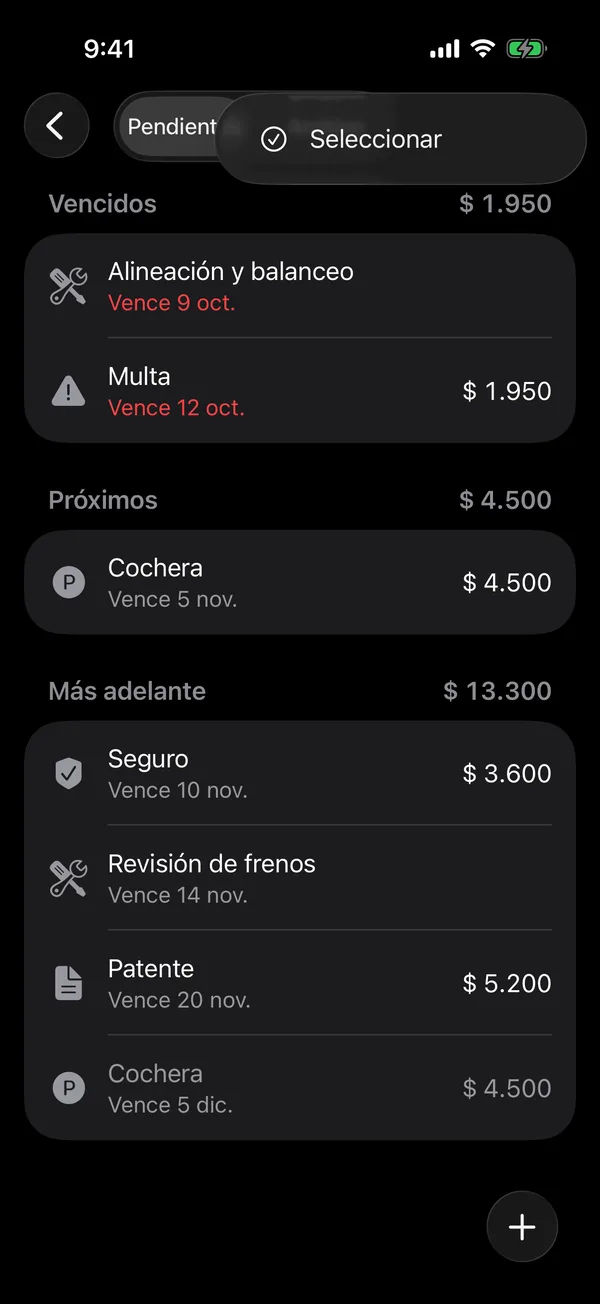
Edit or delete
- Tap the payment to open Edit payment, change what you need and tap Save.
- To delete it, open it and tap Delete payment, or swipe it right in the vehicle’s payments. Confirm with Delete.
If an insurance policy or a parking spot is shared between vehicles, marking one vehicle’s payment marks it on the others too.
Pending services are finished from Service. See Schedule the next service.
More in Payments
Didn’t find what you were looking for? Write to [email protected] and we’ll get back to you.