
See what’s pending and what you’ve paid
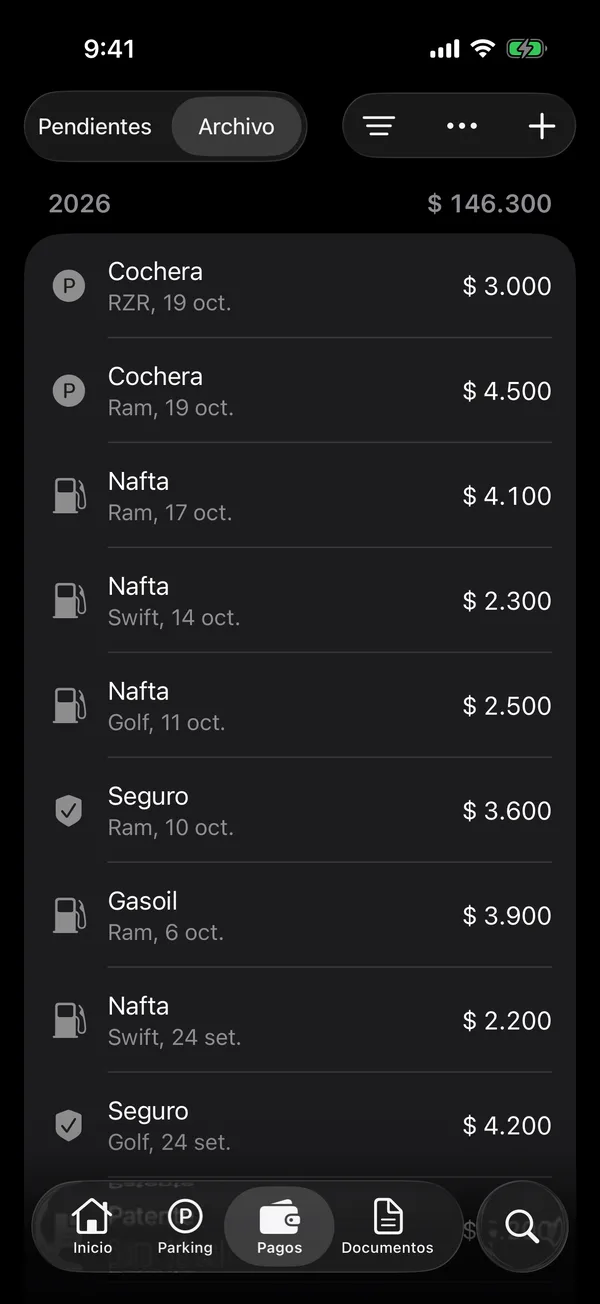
The Payments tab gathers what’s overdue, what’s coming and what’s paid, for all your vehicles.
- Tap the Payments tab.
- Pending shows what’s left to pay, under Overdue, Upcoming and Later, with each group’s total.
- Tap Archive to see what you’ve paid, grouped by year.
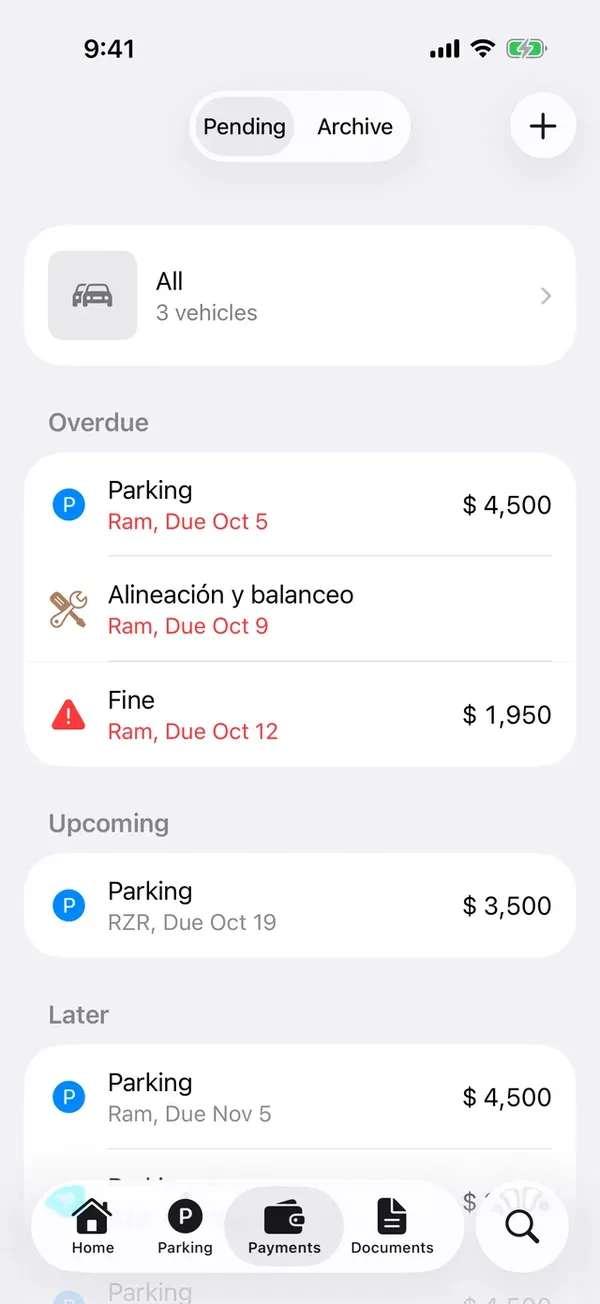
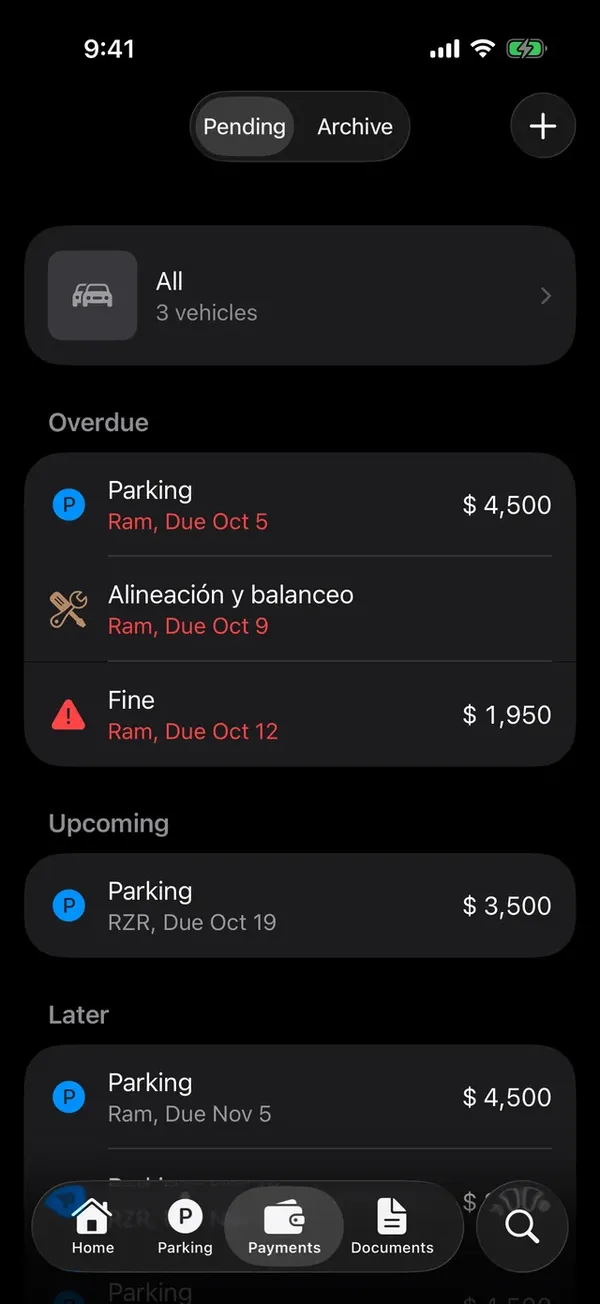
Pending includes the payments you left pending, the monthly parking months, the insurance and tax installments and the services you haven’t finished.
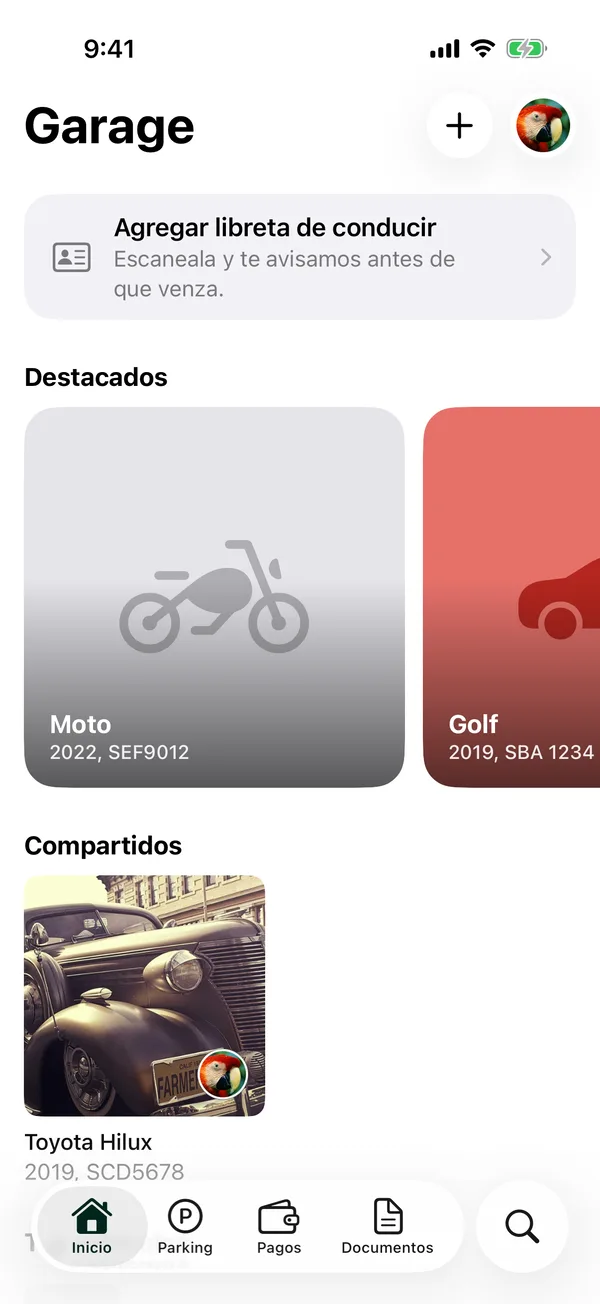
Tap a pending payment to edit it or mark it paid. To see and edit one vehicle’s payments, open the vehicle and tap Payments.
More in Payments
Didn’t find what you were looking for? Write to [email protected] and we’ll get back to you.