
Delete your account
Your account, vehicles, policies and files are deleted. It can’t be undone.
Before you start: if you pay for a plan, cancel it in Subscription, Manage subscription. Deleting your account doesn’t cancel your App Store subscription.
- On Home, tap your account button.
- Tap your name to open Account.
- Scroll to Danger zone and tap Delete account.
- Read the warning and tap Continue.
- Confirm with Delete.
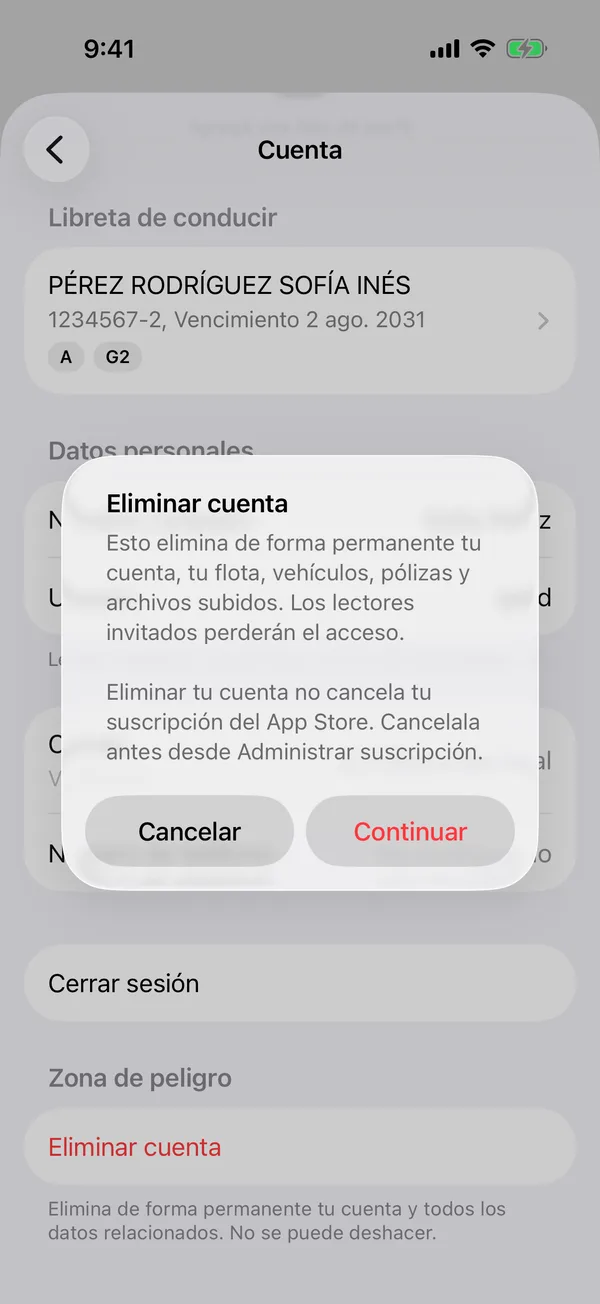
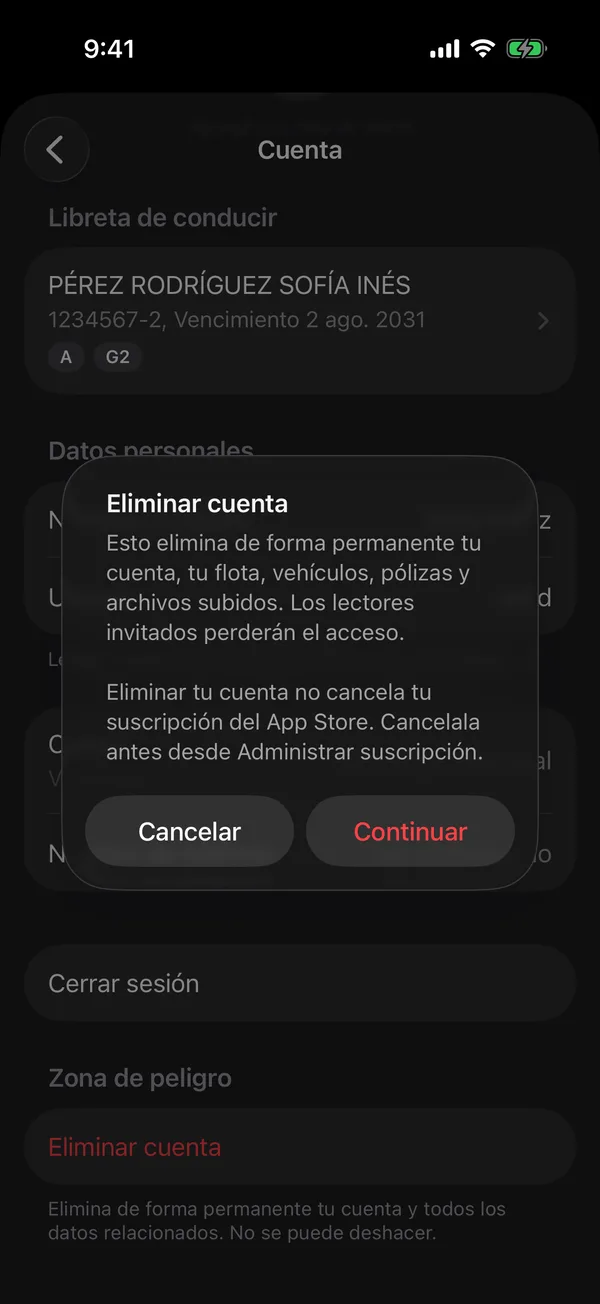
As the app says: This permanently removes your account, your fleet, vehicles, policies, and uploaded files. Shared viewers will lose access.
When it’s done, you’re back on the sign-in screen.
Sold a vehicle? Transfer it before deleting your account, so the new owner gets its service history.
More in Privacy
Didn’t find what you were looking for? Write to [email protected] and we’ll get back to you.