
See what you spend
Each vehicle’s cost on its page, and reports for all of them by month or year.
On each vehicle
Open the vehicle and scroll down: Annual is what it has cost this year and Monthly est. what it costs you per month. If several people log expenses, Member spending shows how much each one put in.
Reports
- On Home, tap your account button.
- Tap Reports & Analytics.
- At the top choose Month or Year, and move between periods with the arrows.
- Tap a category to see only that one.
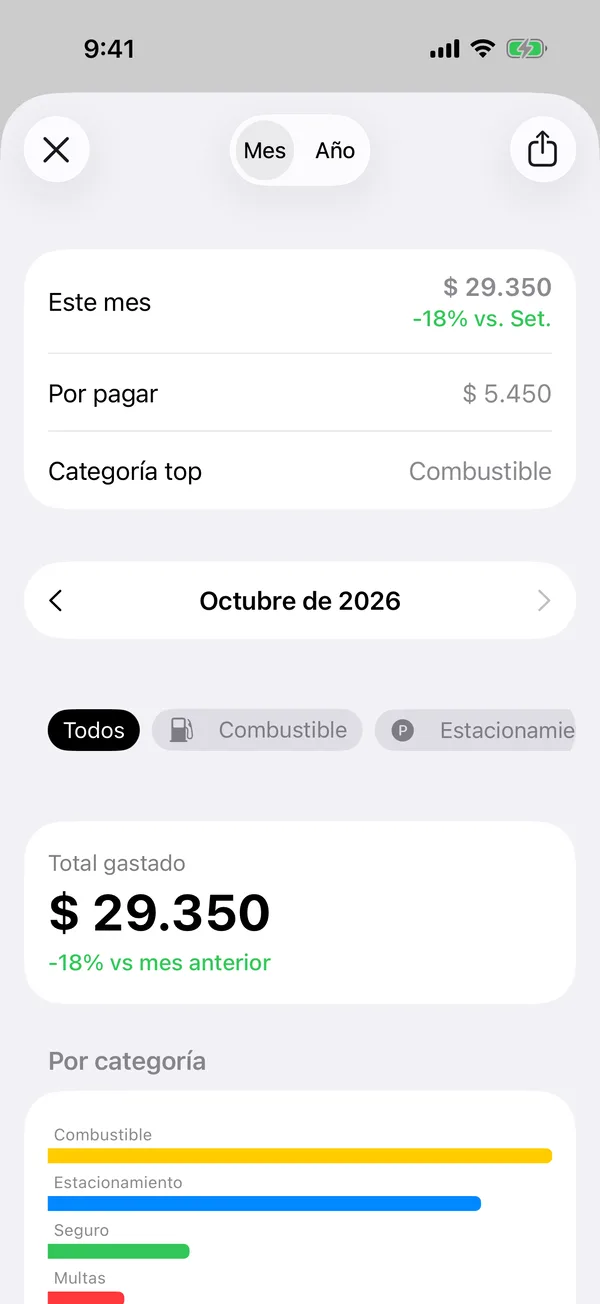
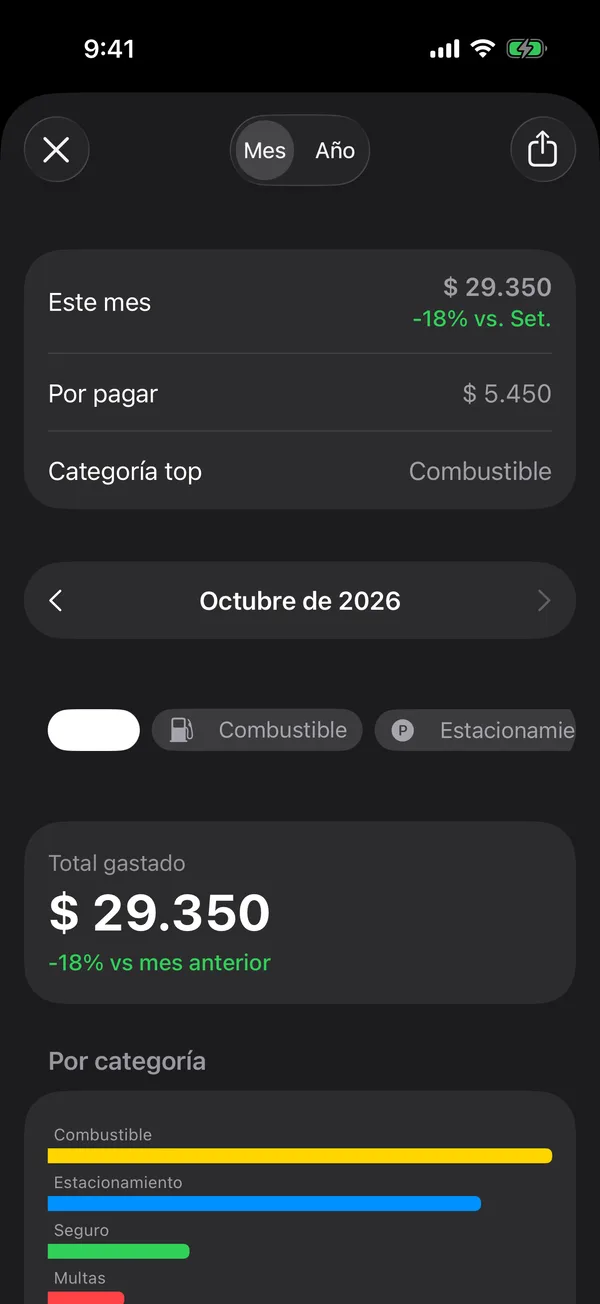
You’ll see Total spent compared with the previous period, By category, By vehicle, Last 6 months, Annual projections, Annual Cost and Insights.
Reports are on some plans. If you see Fleet Analytics with a lock, you can see how to upgrade from there.
More in Costs and reports
Didn’t find what you were looking for? Write to [email protected] and we’ll get back to you.